Web Content
How to Write a Page Title That Matches the Page’s Main Heading
Create a unique, descriptive title and keep it aligned with the visible article. Understand why Google may display different wording.
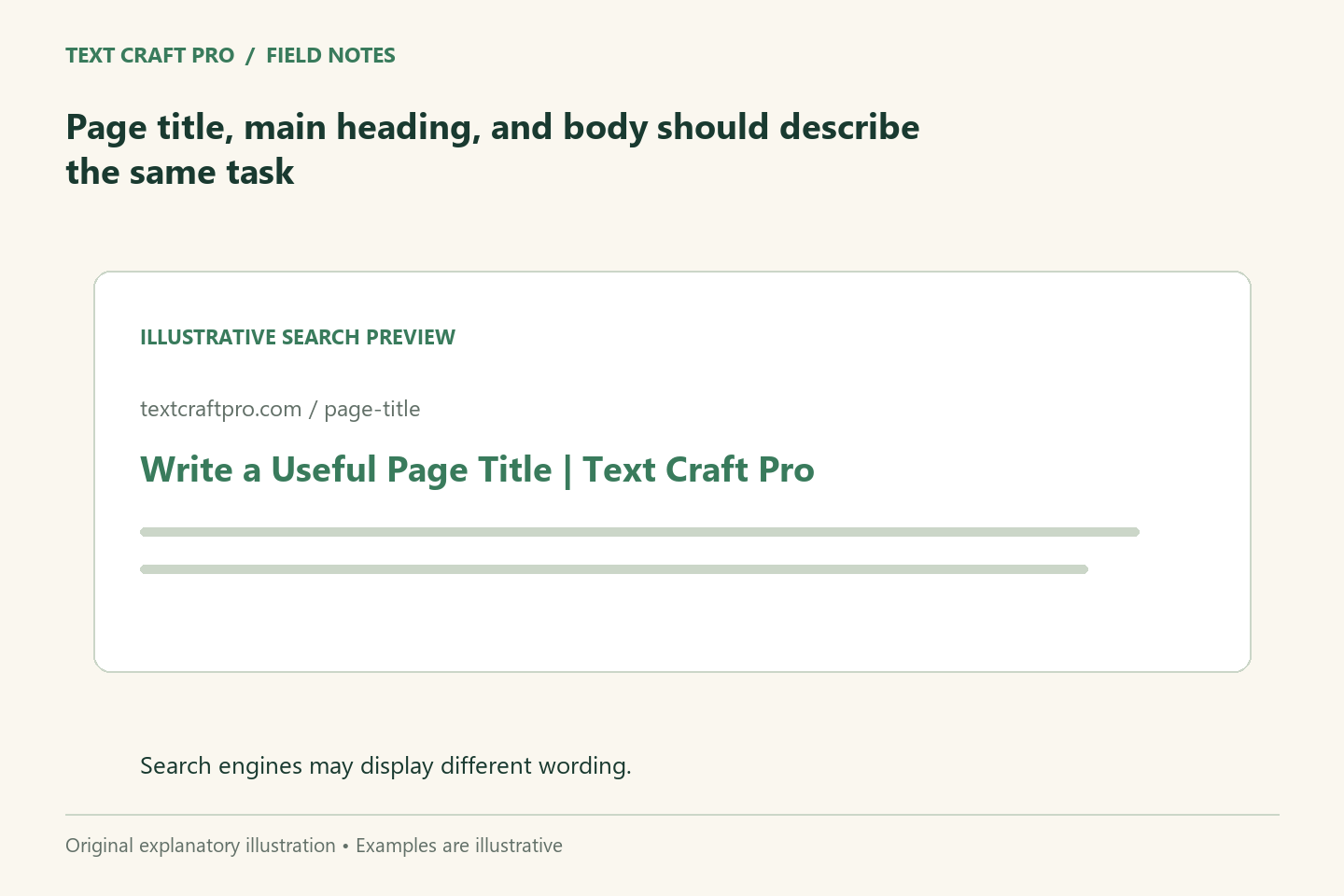
A page title appears in browser tabs and can influence the title link shown in search results. The visible main heading tells readers what the page is about after they arrive. These elements do not have to be identical, but they should describe the same content. A useful title distinguishes the page without repeating several variations of the same keyword.
Describe this page rather than the whole site
Identify the specific question or task the page answers. Put that meaningful information ahead of generic branding where appropriate. A library with many pages needs titles that let readers distinguish one guide from another. Repeating a broad phrase such as “Writing Tips” across every article makes that distinction harder. Use the site name consistently without allowing it to crowd out the unique topic.
Keep the heading and title aligned
Read the title and H1 together. If one promises a checklist and the other promises a broad guide, confirm which format the body actually supplies. Small differences can be sensible: the browser title may include the brand, while the heading focuses on the article. The core task should stay consistent. Avoid invisible title claims that the visible page does not explain or support.
Avoid repetitive wording
A title such as “Writing Brief Guide: Content Brief Writing and Brief Tips” repeats similar terms without adding a new distinction. Prefer wording that identifies the method or reader need. Natural language also makes the title easier to assess in a browser tab or link list. Search optimization should help a reader identify a relevant page, not require them to decode a collection of near-synonyms.
Use preview tools as estimates
Display space depends on type, device, interface, and the wording used by the search engine. A character count is a useful measurement, not a guarantee that a title will fit every result. Our preview tool shows illustrative layouts and counts characters. It does not reproduce Google’s rendering or determine ranking. Keep the important meaning early enough that a shortened display remains understandable.
Work through an example
A fictional page heading might be “How to Build an Article Outline Around the Reader’s Questions.” Its title could be “Article Outline Method | Text Craft Pro.” The shorter version is useful only if it still communicates the article’s purpose. A title such as “Guaranteed SEO Article Outline” would add a claim the article does not prove. Choose accuracy first, then refine display length.
Check the saved metadata
After saving, inspect the page title and main heading in the public page. A theme and SEO plugin can apply templates, so the editor field alone is not proof of the final result. Google can generate a different title link from page signals; its displayed wording is not entirely controlled by the title field. Review your own title for clarity while avoiding promises about the exact search result.
Frequently asked questions
Must the title and H1 match exactly?
No. They should agree about the page’s subject and promise. Branding or a shorter title can be appropriate.
Can I force Google to display my title?
No. Google uses multiple signals to generate title links. A clear, consistent title and heading help communicate the intended topic.
Further reading
Continue your workflow
- How to Write a Headline That Makes an Accurate Promise
- How to Write a Meta Description That Summarizes the Page Honestly
Was this guide helpful?
Tell us what needs improving →
Your selection stays on this page. To send feedback to the publication, use our contact form.
Published 20 September 2026 · Text Craft Pro · AI-assisted educational writing. Editorial policy · Suggest a correction