Web Content
How to Write a Meta Description That Summarizes the Page Honestly
Describe the page’s useful answer, avoid duplicated sales claims, and understand why search snippets may differ.
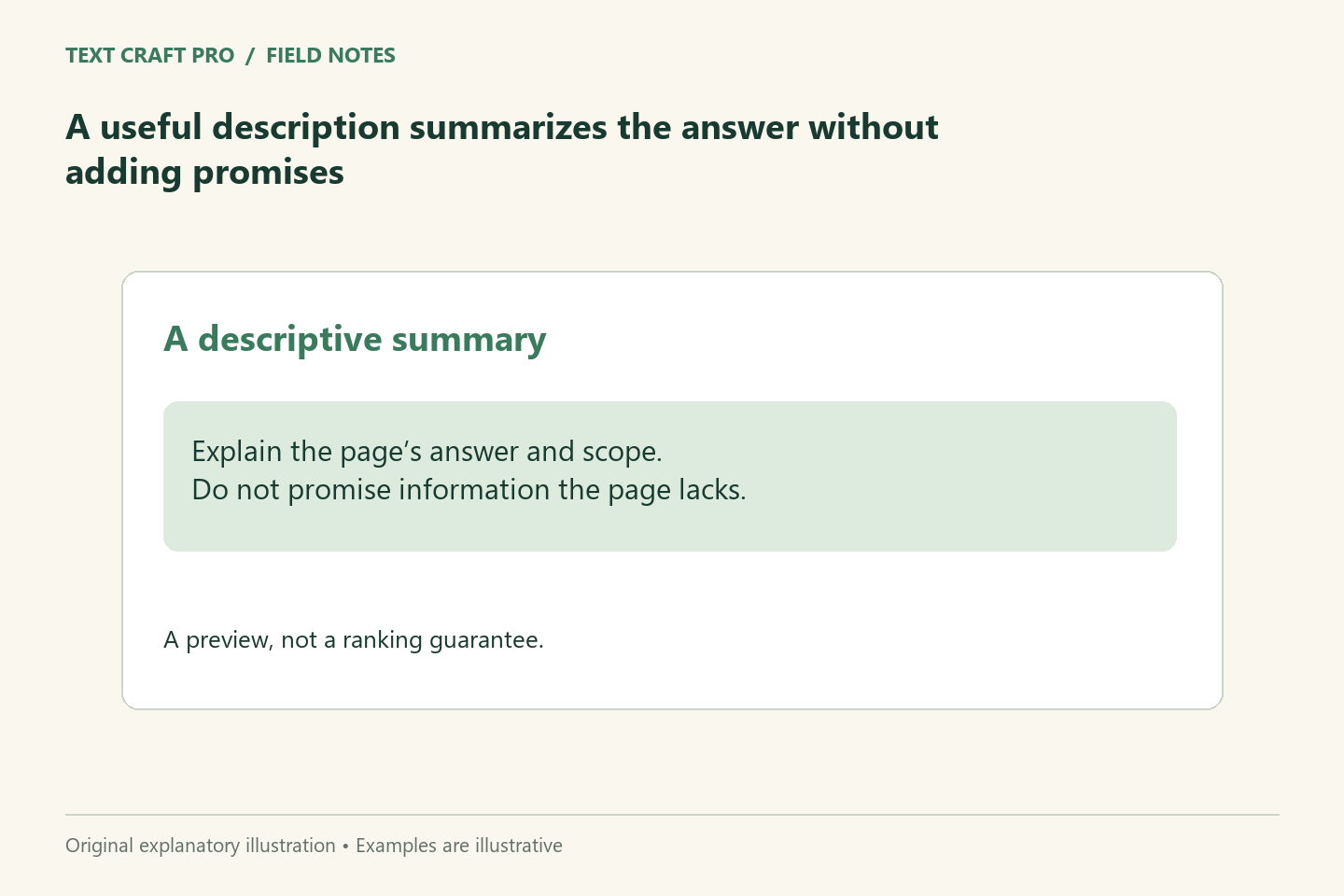
A meta description is a short description placed in page metadata. It can help communicate what a page offers, but a search engine may choose other text for its snippet. Write it as an accurate summary of the page rather than a place for unsupported promises. Each description should identify the specific value that distinguishes its page from the rest of the site.
Summarize the reader’s task
Start with the problem the page answers and the practical help it provides. For a proofreading guide, mention the checks it covers rather than claiming that every mistake will disappear. A description should let a reader decide whether the page fits their need. If the article contains an example or free tool that materially helps, you can mention it accurately without turning the description into a list of every feature.
Keep the description consistent with the body
Do not introduce a claim that only appears in metadata. A page described as a hands-on review needs actual testing in the article. A guide described as complete should address the relevant scope and limitations. If the body changes, revisit the description. Metadata can become misleading when it retains an earlier promise after the article’s focus has narrowed.
Avoid duplicated generic text
A description repeated across many articles gives readers little information about the individual page. Use the central question and distinctive example to write a unique summary. Do not solve duplication by swapping a single keyword into otherwise identical promotional wording. The difference should reflect a real difference in the content, not merely a different topic label.
Treat length as a display constraint
A concise summary is useful, but there is no character count that guarantees a particular display on every device or query. Keep essential meaning early and remove phrases that merely announce the page exists. Our title-preview page can also count description characters and show an illustrative result. It cannot determine the snippet Google will choose or guarantee that all text will be displayed.
Use a fictional revision
Generic draft: “Discover the ultimate tips to improve your writing and achieve amazing results.” Revised summary: “Check names, numbers, links, and saved-page formatting with a practical proofreading checklist and an original example.” The revision describes what the article actually offers. It also avoids implying that a checklist proves factual correctness or guarantees an error-free publication.
Inspect the public output
After saving, check that the public page contains the intended description and that another plugin has not added a conflicting version. Search snippets can still change because Google may choose text that better fits a query. The purpose of this pass is to verify your own accurate metadata, not to promise control over every search appearance. Keep the page’s explanation useful even when the snippet uses a different passage.
Frequently asked questions
Is a meta description a ranking guarantee?
No. It describes the page and may be used in a search snippet. It does not guarantee ranking or clicks.
Why does Google show different text?
Google can select page text that fits the query. The saved description is a candidate, not a fixed display instruction.
Further reading
Continue your workflow
- How to Write a Page Title That Matches the Page’s Main Heading
- How to Write a Headline That Makes an Accurate Promise
Was this guide helpful?
Tell us what needs improving →
Your selection stays on this page. To send feedback to the publication, use our contact form.
Published 22 September 2026 · Text Craft Pro · AI-assisted educational writing. Editorial policy · Suggest a correction