Web Content
How to Add Internal Links That Help Readers Continue
Connect a guide to prerequisites, practical tools, and related questions using descriptive link text and sensible placement.
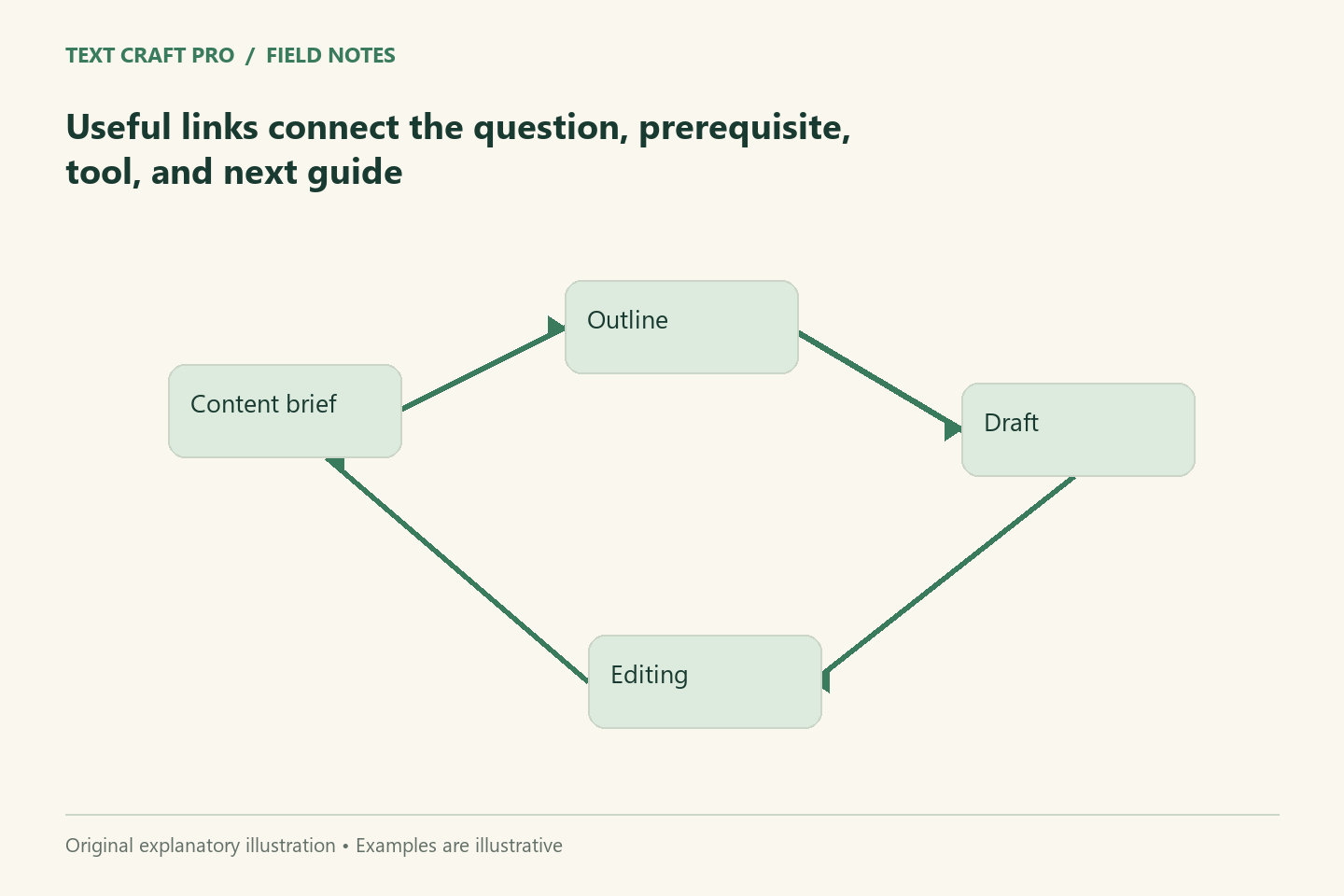
An internal link should give a reader a useful route to another page on the same site. It can explain a prerequisite, open a tool, or answer the next question. Linking every related word creates noise, while leaving important pages disconnected makes the library harder to use. Choose links according to the reader’s task and explain their destination clearly.
Identify the reason for each link
Before adding a link, state what it helps the reader do. A sentence-editing guide might link to a fuller explanation of tone when the revision changes the reader relationship. A brief guide might link to the brief builder after explaining the required fields. If you cannot identify a useful reason, the link may be unnecessary. Relevance matters more than filling a target link count.
Use wording that describes the destination
A link such as “our proofreading checklist” tells the reader more than “click here.” It remains useful when encountered separately or scanned among other links. Keep the wording natural in the sentence and accurate for the destination. Do not imply that a general overview is a detailed tutorial or that a planning tool performs an action it only helps prepare.
Place links where they support understanding
A prerequisite link belongs near the point where the missing knowledge matters. A tool link belongs after enough explanation for the reader to use it sensibly. Related reading can appear at the end without interrupting every paragraph. Avoid several adjacent links that give no clear distinction between destinations. The reader should be able to choose a route without opening each page merely to discover its purpose.
Maintain a navigable library
Use a guide directory, topic categories, and a small set of relevant article-to-article links. Every important guide should be reachable through normal navigation rather than existing only in a sitemap. A new article should be added to the directory and connected from a relevant existing guide where useful. Keep those lists current when pages move or change scope.
Work through a reading path
A fictional path might start with the writing-brief guide, continue to the article-outline guide, open the brief builder, and finish with the publication checklist. Each page serves a different stage. The links should explain those stages rather than calling every destination “learn more.” The initial article must still answer its own central question; links should add depth or a next step, not hide the promised answer elsewhere.
Check the links after changes
Open the saved links and confirm the destination and heading. Check any section anchors after changing headings. If a page is removed or replaced, update incoming links or use an appropriate redirect through the site’s configured system. A source-file audit can catch many broken targets, but the public page still needs a rendering check. Keep link maintenance in the publication process.
Frequently asked questions
How many internal links should I add?
Use the links that support the article’s task. There is no fixed count that makes an article helpful or guarantees rankings.
Should every article link to every tool?
No. Link the relevant tool when it helps the reader apply the guide. Unrelated tool links make the next step less clear.
Continue your workflow
- How to Build an Article Outline Around the Reader’s Questions
- A Pre-Publication Checklist for a Useful, Trustworthy Article
Was this guide helpful?
Tell us what needs improving →
Your selection stays on this page. To send feedback to the publication, use our contact form.
Published 24 September 2026 · Text Craft Pro · AI-assisted educational writing. Editorial policy · Suggest a correction