Business Writing
How to Write a Business Email With a Clear Purpose and Next Step
Organize context, action, and an approved deadline so the recipient can respond without guessing.
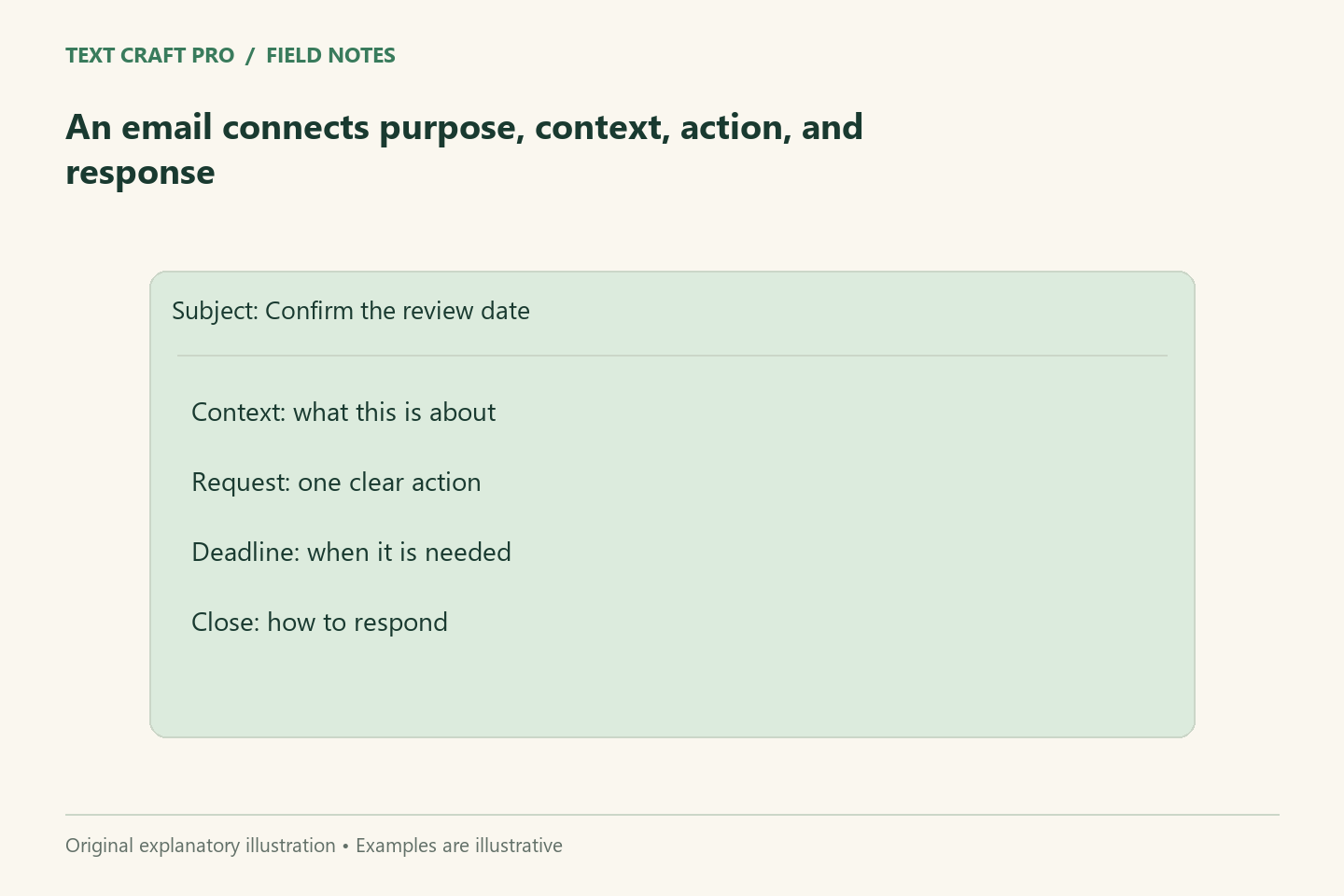
A useful business email helps the recipient understand why you are writing and what they need to do. It does not need to sound elaborate. The difficult part is deciding which context supports the request, which facts are confirmed, and whether the next step is realistic. This method works for routine enquiries, project updates, and internal requests.
Decide what response you need
Write the desired response before composing the email. Do you need a decision, a document, a correction, or confirmation that someone received information? A message with several unrelated requests may need separate emails or a clearly numbered list. If you do not need a response, say that where it helps. The recipient should not have to infer whether your update is an instruction or background information.
Put the purpose near the beginning
After a suitable greeting, state why you are writing. Add the minimum context needed to understand the request. Avoid a long history unless the history changes the decision. For a project update, identify the project and current state before the action. For a correction, identify the specific item that needs review. A clear opening lets a busy recipient decide how to handle the message.
Make the request specific
Name the action, owner, and approved deadline. If no deadline has been set, ask for one rather than inventing urgency. Explain what format or information is needed when the recipient could reasonably provide several things. “Send your feedback” is less usable than “Confirm whether the outline covers the three agreed questions.” The narrower request also helps you recognize whether the reply resolves the issue.
Keep commitments accurate
Check promises about timing, price, scope, and responsibility. Do not turn a tentative internal plan into a confirmed external deadline. If a decision is pending, explain what is known and who will resolve the remaining question. A courteous limitation is more useful than reassurance that the business cannot support. Keep sensitive client details out of messages sent to people who do not need them.
Use a short worked example
Fictional email: “Subject: Review the onboarding outline by Thursday. Hello Mina, the revised outline now includes the document checklist and contact route we discussed. Please confirm whether those sections match the approved process by Thursday. If either section needs a change, leave a comment beside the heading. I will wait for approval before drafting the guide. Thank you.” The message states context, a focused request, and the dependency without promising a publication date.
Check the email as a recipient
Review the subject, first paragraph, requested action, and closing together. Verify the recipient list and attachments. Check links and permissions if you are referring to a shared document. If the message is consequential, have the responsible person approve its commitments before sending. The final check is not just proofreading: it is making sure the recipient can take the intended next step safely and accurately.
Frequently asked questions
How long should a business email be?
Use enough context for the action. A short routine request may need only a few sentences; a complex decision can need a summary and linked detail.
Should I always include a deadline?
Include one when it is real and relevant. Otherwise ask for timing or explain that no immediate response is needed.
Continue your workflow
- How to Write Email Subject Lines That Describe the Actual Message
- How to Write a Call to Action That Explains the Next Step
Was this guide helpful?
Tell us what needs improving →
Your selection stays on this page. To send feedback to the publication, use our contact form.
Published 6 September 2026 · Text Craft Pro · AI-assisted educational writing. Editorial policy · Suggest a correction