Business Writing
How to Write Email Subject Lines That Describe the Actual Message
Use purpose, topic, and relevant timing to create subject lines that help recipients identify and act on a message.
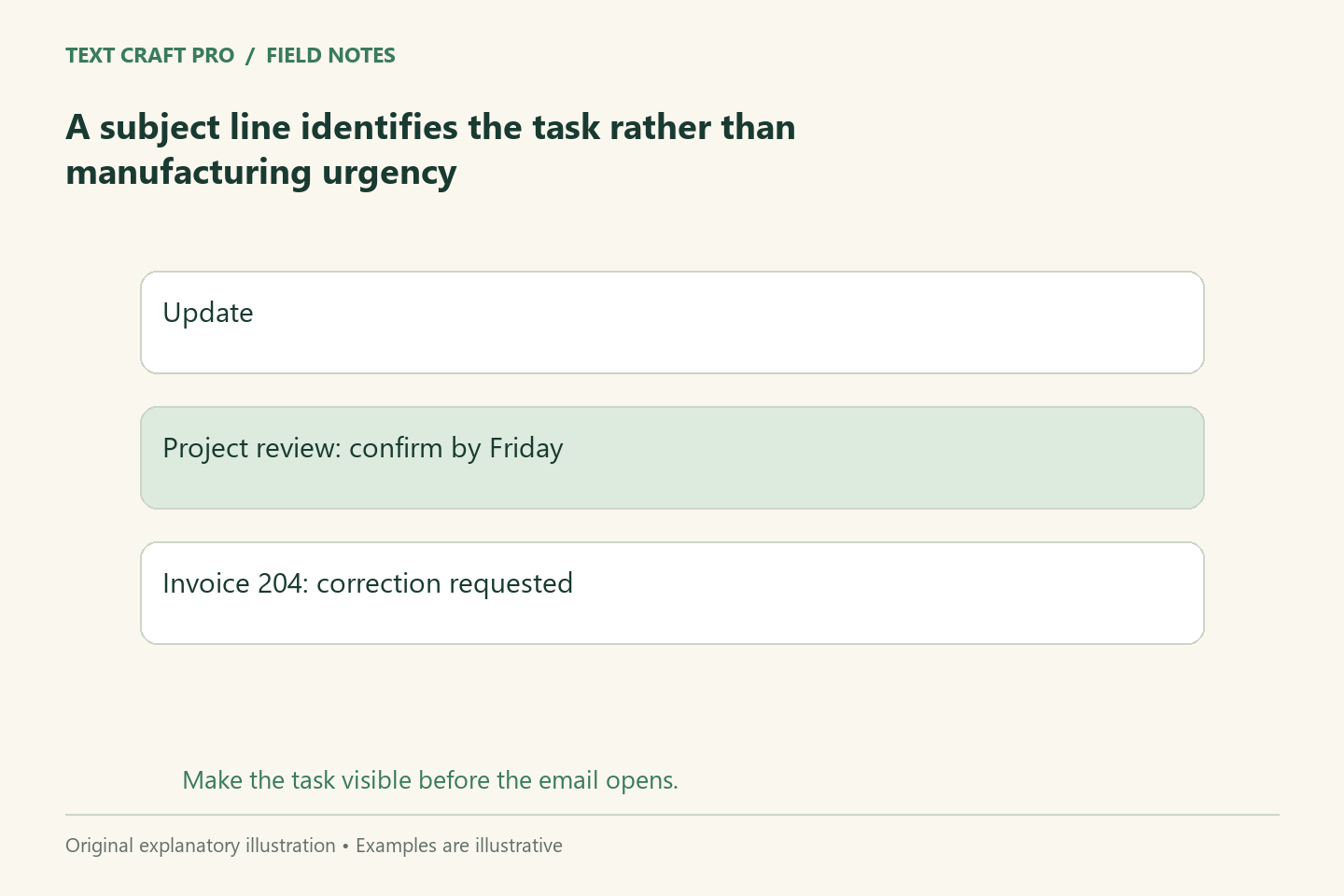
An email subject line is a label for the message’s job. It helps the recipient recognize the topic and decide what attention the email needs. A useful subject is specific enough to distinguish this message from other messages without making a promise the body does not support. This guide focuses on clarity, not claims about guaranteed open rates.
Name the message type
Decide whether the email is a request, update, confirmation, or question. Include that purpose when it improves recognition. “Outline review requested” tells the recipient more than “A quick note.” The wording should match the body. If an email only provides an update, a subject demanding action may create unnecessary confusion. If it needs a decision, do not disguise that need as a general announcement.
Identify the specific topic
Use the project, document, appointment, or task that differentiates the email. Internal abbreviations may work for a familiar team but confuse a new customer. Avoid stuffing a subject with every detail; move supporting context into the opening paragraph. The subject should create an accurate expectation, and the first paragraph should fulfill that expectation immediately.
Use timing when it changes the task
A real date can help a recipient recognize a deadline or appointment. Check whether the date means reply by, attend on, or effective from. Those meanings should be explicit when confusion is likely. Do not add “urgent” merely because you want attention. Explain genuine urgency with approved facts, and avoid repeated pressure that makes important messages harder to distinguish from routine ones.
Compare several fictional revisions
“Important information” becomes “Updated document checklist for your enquiry.” “Need your help” becomes “Confirm the three questions for the onboarding guide.” “Final reminder” becomes “Outline feedback requested by Thursday” if that deadline is real. The revisions identify the job rather than relying on emotional emphasis. If the deadline is not approved, remove it instead of using it to make the example more persuasive.
Keep thread changes meaningful
An ongoing thread can drift into a different task while retaining its original subject. Start a new thread or update the subject when that helps people find the relevant decision later. Preserve useful context through a short summary or a link to the prior discussion. Do not rewrite every reply subject merely for variety; continuity also helps a recipient understand the conversation.
Test clarity rather than predicting performance
Show the subject without the email body and ask what the recipient expects. Then compare that expectation with the message. For marketing emails, performance depends on audience, consent, relevance, delivery, and many other conditions. A subject-line template alone cannot establish an open-rate improvement. Evaluate actual campaigns with appropriate data instead of presenting fictional examples as tested results.
Frequently asked questions
Is there a perfect subject-line length?
No universal length guarantees performance. Aim for a clear topic and purpose, remembering that different devices can truncate the display.
Should a subject use a question?
Use a question if the message asks that question. Do not use one solely to create curiosity when the email delivers something different.
Continue your workflow
- How to Write a Business Email With a Clear Purpose and Next Step
- How to Write a Headline That Makes an Accurate Promise
Was this guide helpful?
Tell us what needs improving →
Your selection stays on this page. To send feedback to the publication, use our contact form.
Published 8 September 2026 · Text Craft Pro · AI-assisted educational writing. Editorial policy · Suggest a correction