Business Writing
How to Write a Call to Action That Explains the Next Step
Match the wording to the destination, disclose what happens next, and avoid promises that the action cannot deliver.
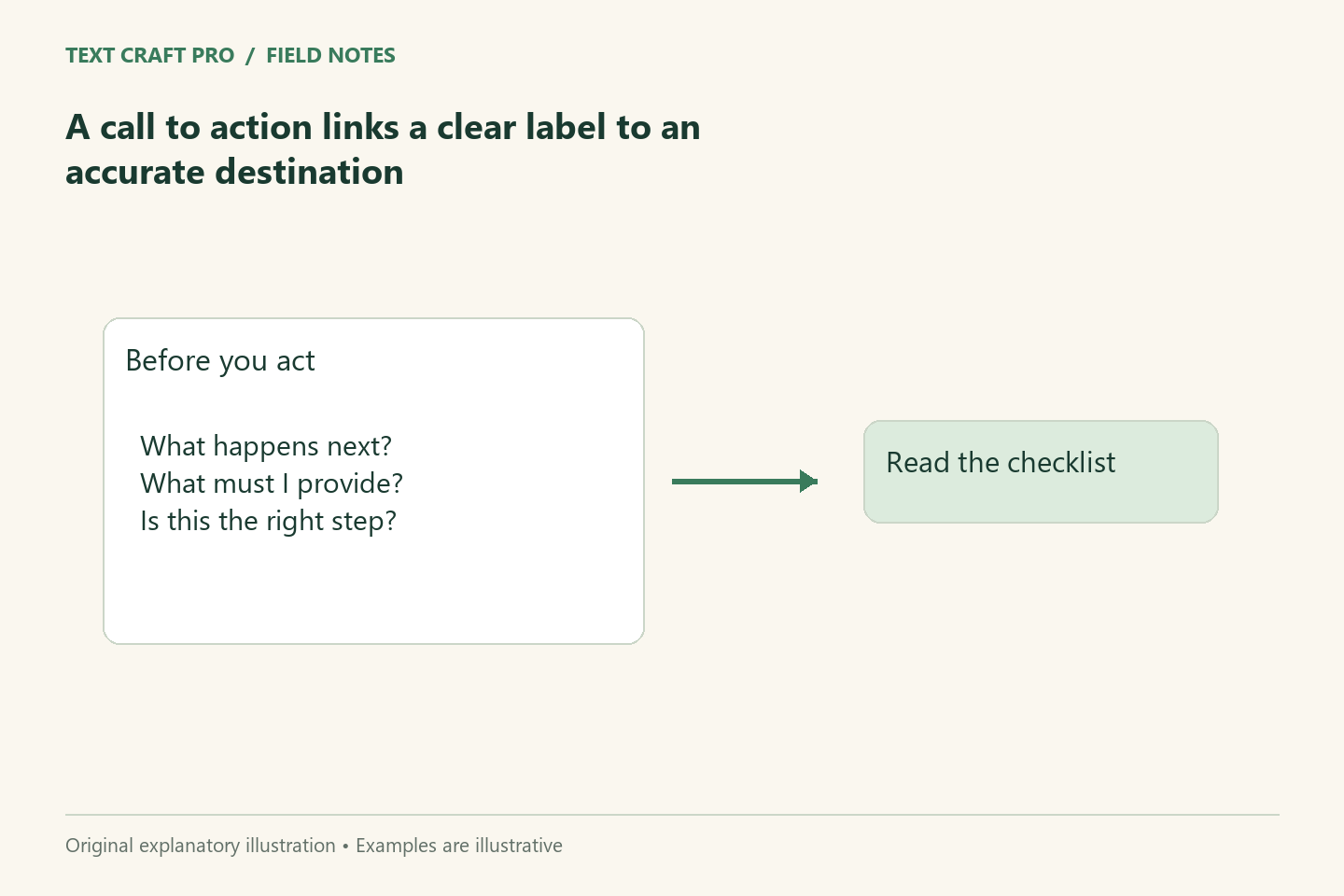
A call to action tells the reader what they can do next. It can be a link, button, or sentence. Its value depends on how well it connects the reader’s current task to the result of the action. Clear wording and an accurate destination are more useful than an energetic phrase that leaves the reader uncertain about what will happen.
Choose the next step the page supports
An educational article might direct readers to a checklist or calculator. A service page might invite an enquiry. Do not add a purchase-oriented action to a guide that has not explained what is being purchased. Identify whether the reader is ready to act or still needs a related explanation. A useful next step follows the page’s purpose rather than treating every visit as a sales opportunity.
Name the action and object
“Open the brief builder” describes both the action and the tool. “Get started” may need surrounding text to explain the destination. Use wording that remains meaningful when a reader encounters the link separately. Avoid labels that promise an outcome the click cannot provide. A form that collects an enquiry should not be labeled as instant approval or a guaranteed result.
Explain the consequence where needed
Tell the reader whether they will open a free tool, download a file, send a message, or start an account process. State relevant requirements before the action rather than hiding them on the next screen. If a tool runs locally without an account, say so accurately. If submitting a form sends information to the publisher, make that data path clear in the form and privacy page.
Give competing actions a sensible hierarchy
Several equally prominent buttons can make a page harder to use. Choose one primary next step and use less prominent links for supporting needs. The right hierarchy depends on the page: a calculator may prioritize calculating, while an article may prioritize learning the next concept. Avoid a layout that repeatedly interrupts the main explanation with unrelated demands.
Use a worked example
For a fictional article on writing briefs, “Build a content brief” can lead to the free browser tool. Supporting text can explain: “Organize your reader, purpose, sources, and output. No account required.” “Create a perfect article instantly” would be inaccurate because the tool only formats a brief. The label, description, and destination should tell the same story about the tool’s actual behavior.
Check the link after publishing
Open the destination and compare it with the label. Check keyboard access, visible focus, and the page on a narrow screen. Meaningful labels support users who navigate through links rather than reading every paragraph. Our tools use explicit labels, but a publisher should still verify the complete user journey after changes. A clear button cannot compensate for a confusing or broken destination.
Frequently asked questions
Does every paragraph need a call to action?
No. Use actions where they help the reader continue or complete a task. Repeated unrelated prompts can interrupt the explanation.
Should I use clever button wording?
Only when the action remains clear. A straightforward label is often more useful for a practical tool or form.
Further reading
Continue your workflow
- How to Write a Service Page That Explains Scope and Expectations
- A Practical Writing Pass for More Accessible Web Content
Was this guide helpful?
Tell us what needs improving →
Your selection stays on this page. To send feedback to the publication, use our contact form.
Published 10 September 2026 · Text Craft Pro · AI-assisted educational writing. Editorial policy · Suggest a correction