Editing
How to Use Punctuation to Make Instructions Easier to Follow
Use punctuation to reveal relationships between actions, conditions, and examples instead of decorating the sentence.
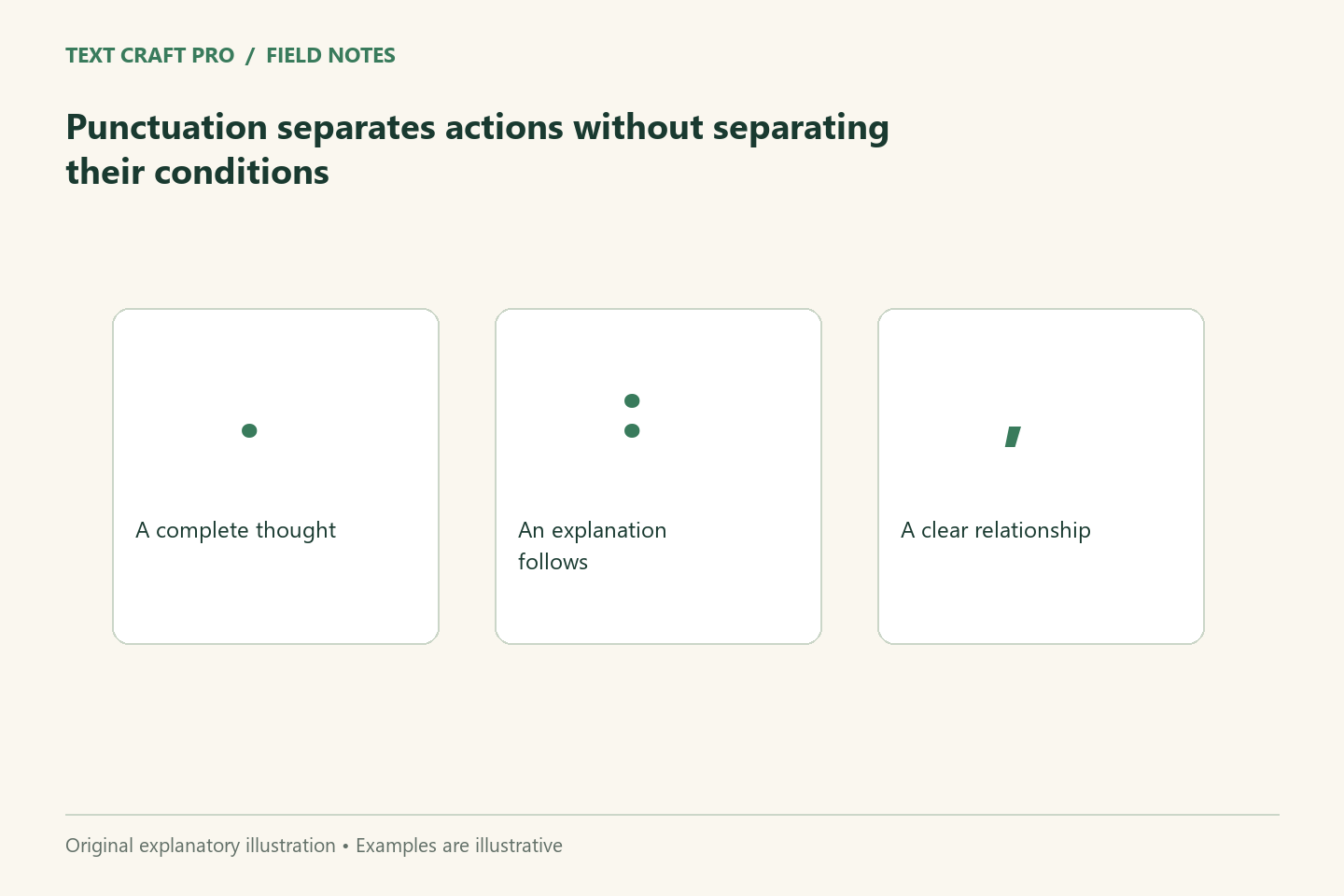
Punctuation helps a reader see how parts of a sentence relate. It can show where an explanation begins, distinguish items, or prevent a condition from attaching to the wrong action. For practical instructions, the central question is whether the punctuation supports the intended task. Start with the relationship between ideas, then choose a form that makes it clear.
Use a full stop to separate complete decisions
If a sentence contains several actions with different conditions, separate them into complete instructions. Then make their sequence explicit. “Review the draft. Publish it after approval” preserves the dependency. “Review the draft. Publish it” can suggest that approval is unnecessary. A shorter sentence is not automatically a clearer instruction; the relationship must survive the split.
Use commas to support the sentence’s structure
Commas can separate an introductory condition, items in a series, or an added explanation. Do not insert them solely where you happen to pause while reading aloud. Check whether the phrase is essential to identifying the subject or merely adds information. If punctuation decisions become difficult because the sentence contains several embedded phrases, a structural rewrite may be more helpful than adding another mark.
Introduce lists with a clear lead-in
A colon can introduce a list or explanation when the preceding words prepare the reader for it. Keep list items grammatically consistent and make clear whether they are alternatives or combined requirements. “Choose one format” means something different from “Provide these three items.” The lead-in carries that meaning. Bullet points improve scanning only when the list’s relationship is explicit.
Avoid using a dash to rescue every interruption
A dash can emphasize an aside, but repeated interruptions may make a paragraph feel fragmented. Decide whether the aside belongs in a separate sentence or at a different point in the explanation. Parentheses can hold supporting detail, but do not hide a condition that changes the instruction. The reader should not need to find a minor-looking aside to learn that a step is optional or restricted.
Work through an instruction example
Fictional draft: “Send the outline, examples, if approved, and sources.” The phrase “if approved” has unclear scope. Revision: “After the project owner approves the outline, send it with the examples and sources.” This changes the structure to identify what requires approval. If examples also require approval, state that separately. The correct punctuation cannot resolve a process that has not decided what the condition covers.
Check the effect on the reader
Read the instruction as someone who has not discussed the process with you. Ask which actions are required and which conditions apply. If two interpretations remain plausible, revise the wording. For a publication with a style guide, use its recurring conventions consistently. Do not present a house-style preference as a universal rule when other accepted conventions serve the same meaning.
Frequently asked questions
Should I avoid semicolons?
No. Use them where they clarify a relationship and suit the reader. A full stop may be simpler for a practical instruction.
Can punctuation fix an unclear process?
It can reveal the ambiguity, but the process owner must decide the intended requirements before the sentence can state them accurately.
Continue your workflow
- How to Edit a Sentence Without Changing What It Means
- A Plain-Language Editing Pass That Preserves the Meaning
Was this guide helpful?
Tell us what needs improving →
Your selection stays on this page. To send feedback to the publication, use our contact form.
Published 4 September 2026 · Text Craft Pro · AI-assisted educational writing. Editorial policy · Suggest a correction