Editing
A Proofreading Checklist for Articles, Emails, and Web Pages
Check names, numbers, punctuation, links, and the saved page after the main editing work is complete.
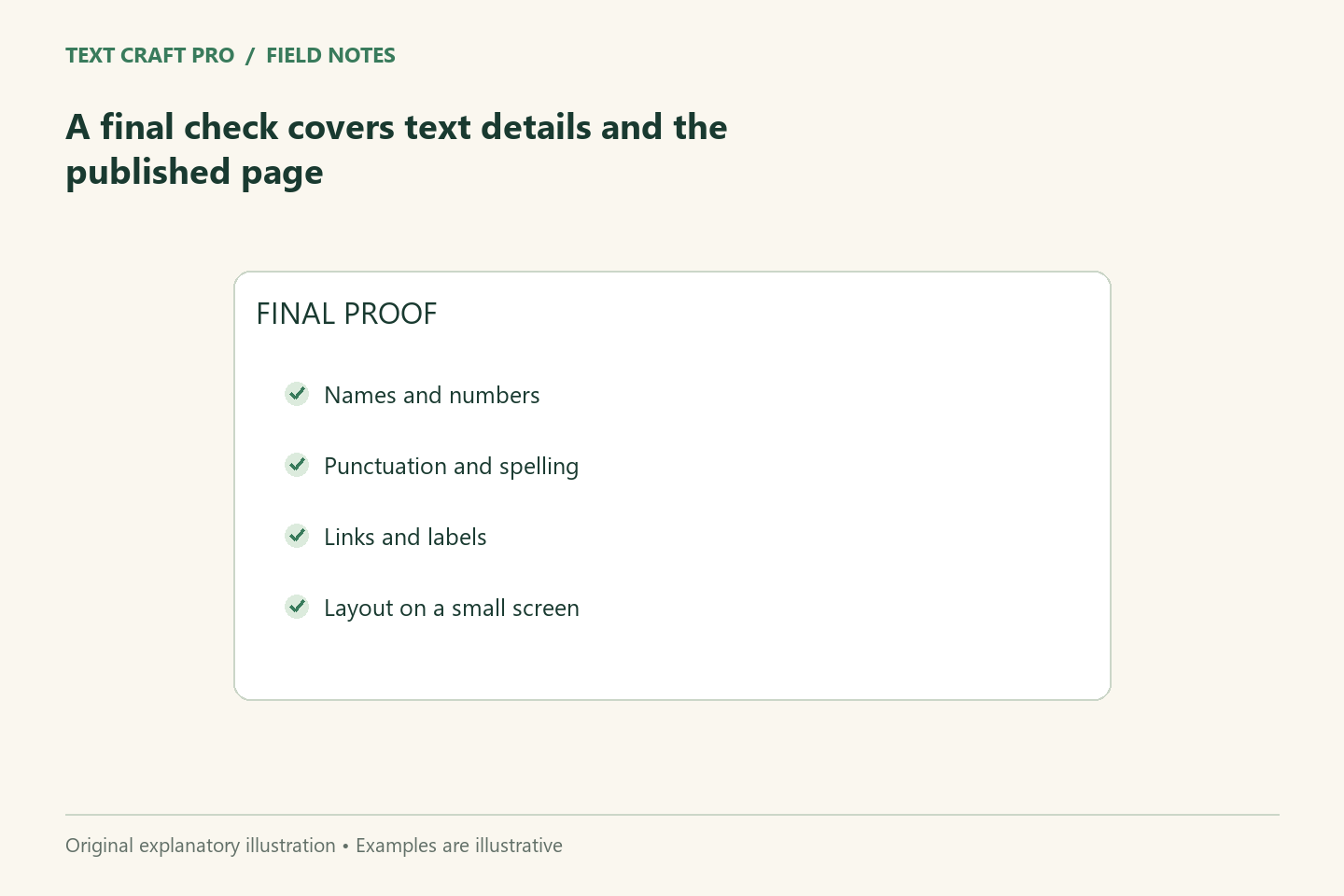
Proofreading is the final detail check after the message and structure are settled. It is not a substitute for verifying the argument or approving the facts. A useful checklist separates the text you meant to publish from the page a reader will actually see. It also gives recurring mistakes a place in the process instead of relying on memory.
Confirm that the draft is ready for a final pass
Resolve major structural changes first. If an editor is still replacing sections, proofreading them now may create work that has to be repeated. Keep the current approved draft identifiable and record unresolved facts in comments. Do not publish a placeholder simply because the rest of the document is polished. The final pass should start with a version that has a clear owner and purpose.
Check names, numbers, and labels
Compare names and figures with approved source material rather than another sentence in the same draft. Check dates, units, headings, button labels, and numbered steps. A consistent wrong number is still wrong. For fictional examples, confirm that the arithmetic works and the example is labeled. Remove private information that accidentally survived from an internal draft. These checks matter even when a spell checker finds no errors.
Review punctuation and consistency
Look for missing words, doubled words, inconsistent spelling choices, and punctuation that changes the meaning. Choose a style convention for recurring formats and apply it consistently. Read unfamiliar abbreviations as a reader would encounter them. Do not treat every suggestion from a grammar tool as an instruction; evaluate whether it improves the intended meaning and whether it fits the chosen style.
Inspect links and media
Open relevant links and check that their destination matches the surrounding text. Confirm that internal links lead to the intended guide or tool. Check image captions, rights, and alternatives. If an image contains useful information, make sure the surrounding article explains it as well. A screenshot should represent the stated interface and date; a conceptual illustration should not be presented as evidence of product behavior.
Preview the saved page
Check headings, lists, tables, line breaks, and forms after the content is saved. Use a narrow screen as well as a desktop preview. A copied list can lose its structure, a caption can appear detached from its image, and a button can become hard to tap. Test interactive tools with an ordinary case and a missing-input case. Record a specific result rather than writing that everything was tested.
Keep a practical sign-off
For a fictional email, sign-off might cover recipient, subject, attachment, requested action, and approved deadline. For an article, it might cover facts, links, images, and saved-page rendering. Keep the checklist short enough to use and add a step when a recurring mistake justifies it. The publisher should retain the responsibility for approval rather than treating the checklist as a guarantee that no error remains.
Frequently asked questions
Is proofreading the same as editing?
Proofreading focuses on final details. Editing can change structure, reasoning, wording, and emphasis before that final pass.
Can software do the whole check?
Software can flag patterns, but it cannot reliably verify every fact, commitment, link context, or publishing result.
Continue your workflow
- A Three-Pass Editing Workflow: Structure, Sentences, and Final Checks
- A Pre-Publication Checklist for a Useful, Trustworthy Article
Was this guide helpful?
Tell us what needs improving →
Your selection stays on this page. To send feedback to the publication, use our contact form.
Published 2 September 2026 · Text Craft Pro · AI-assisted educational writing. Editorial policy · Suggest a correction