Writing
How to Turn a Webinar Transcript into a Blog Post with AI
A 60-minute webinar holds about 8,000 spoken words. A good blog post needs about 1,000 of them. Here is how to turn one into the other without publishing a meeting.
 Written by Daniel Carter
Daniel Carter writes and edits practical guides on writing, editing, and publishing at Text Craft Pro, based on hands-on testing and documented examples.
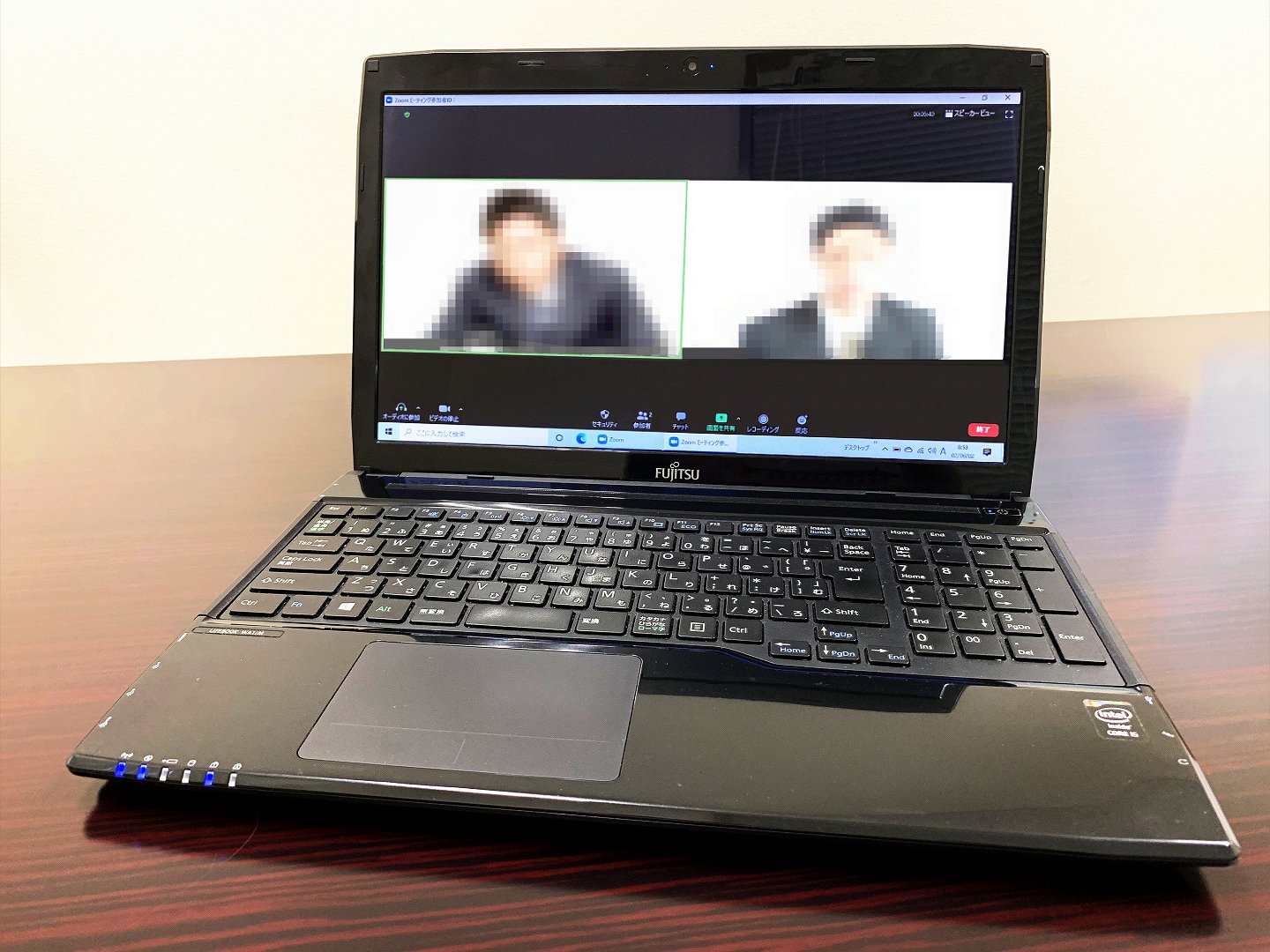
A 60-minute webinar holds roughly 8,000 words of spoken English. A good blog post needs about 1,000 of them — and not the first 1,000, either. The gap between those two numbers is the whole job, and it’s exactly the kind of job AI is good at helping with, as long as you stay in charge of the judgment calls.
I’ve turned a handful of webinars into posts now — my own and other people’s — and the ones that worked all followed the same pattern. The ones that flopped all made the same mistake: treating the transcript as a draft instead of raw material. A transcript is not a draft. It’s a recording of someone thinking out loud, complete with detours, half-finished sentences, and the occasional joke that only lands in the room. Here’s the workflow I use now.
1. Get a clean transcript before you do anything clever
AI can only work with what you feed it, and a bad transcript poisons everything downstream. If your webinar platform gives you a transcript — Zoom, Teams, and Riverside all do — download it and give it one honest pass first. Fix the speaker labels if they’re wrong, delete the “can everyone hear me” opening, and cut the Q&A section out into its own file. It usually makes a better post on its own than it does buried at the end of this one.
If you only have the recording, run it through a transcription tool before you do anything else. A transcript with wrong names and mangled terms will produce a post with wrong names and mangled terms, and no amount of clever prompting fixes that after the fact. Ten minutes of cleanup here saves an hour of repair later.
2. Find the post inside the transcript — don’t convert the whole hour
The biggest mistake is asking the AI to “turn this transcript into a blog post.” That’s how you get a 3,000-word summary that reads like meeting minutes. A webinar covers three or four ideas; a blog post should cover one.
Read the transcript once — or skim it with the AI’s help — and pick the single idea worth a post. Ask the model to pull out the three strongest claims or moments, with a one-line quote for each. Then choose one. The rest isn’t wasted; it’s your next three posts. One webinar should give you a month of content, not one bloated article nobody finishes.
3. Let the AI draft the structure, not the voice
Give the model the cleaned transcript plus a clear brief: the one idea, the reader, the length. Something like: “Turn this transcript excerpt into a 900-word blog post for freelance writers. The core idea is that client onboarding calls are where most projects go wrong. Keep the speaker’s examples, drop the webinar framing, and don’t invent any facts.”
Then do the part only you can do. The model will give you a sensible structure — problem, examples, takeaway — and flat, forgettable sentences inside it. Rewrite the opening in your own words, keep the speaker’s best lines verbatim, and cut anything that sounds like it belongs in a slide deck. The AI gives you the frame; you hang the voice on it.
4. Cut the spoken tics — your readers aren’t your audience
Spoken English and written English are different languages that happen to share a vocabulary. “So, um, basically what I’m saying is…” works fine on a call — it’s a person thinking out loud, and the audience forgives it instantly. On the page, it’s clutter, and readers don’t forgive clutter. They just leave.
AI is actually good at this pass if you ask for it directly: “Rewrite this in clean written English. Keep the meaning and the examples, remove the filler, the false starts, and the repeated phrases.” But watch for the opposite problem: the model can flatten a lively speaker into a press release. Keep the speaker’s odd comparisons and blunt opinions — those are the bits readers remember and quote. Cut the tics, keep the personality.
5. Add the things the webinar never said
A blog post has to stand on its own. Your webinar audience had slides, a chat box, and an hour of context; your reader has a search result and thirty seconds. So add what the transcript doesn’t contain: a proper introduction that says what the post will deliver, subheadings that let a scanner find the useful part, and links to the sources or tools the speaker mentioned in passing.
And add the one thing the transcript almost never contains: a clear ending. The speaker could say “any questions?” and mean it. Your post needs an actual next step — try the technique, download the checklist, read the follow-up guide. A post that just stops feels unfinished, and unfinished posts don’t get shared.
6. Fact-check every claim the speaker made off the cuff
People say confident things on webinars. Numbers get rounded, studies get misremembered, a tool’s pricing gets quoted from memory. The transcript preserves all of it faithfully, and the AI will carry it into your post just as faithfully. That’s the danger: a polished, well-structured article full of wrong numbers.
Check every number, name, and date against a source before publishing. If the speaker said “studies show” without naming one, either find the study or cut the claim. And if the speaker isn’t you, send them the draft before it goes live. Your name goes on the post either way, and a correction after publishing costs more trust than a five-minute check ever will.
The honest truth
A transcript is the fastest first draft you’ll ever get. It’s also the laziest first draft you’ll ever get, because it arrives feeling finished — thousands of words, in order, in someone’s real voice — and the temptation is to publish it with a light polish and call it a day. Don’t. The value was never in the words the speaker said. It’s in the editing: choosing the one idea, cutting the filler, adding the structure, checking the facts. Do that work and a dead hour of video becomes a post that ranks and gets read. Skip it and you’ve just published a meeting.
Frequently Asked Questions
Can AI turn a transcript into a blog post on its own?
It can produce a readable draft, but it can’t choose the one idea worth publishing, tell a strong quote from a throwaway line, or know which claims need checking. Treat its output as a first draft: useful for speed, unfinished until a person edits it.
How long should the blog post be compared to the webinar?
A 60-minute webinar is roughly 8,000 spoken words. The post built from it should be 900–1,200 words — about an eighth of the transcript. If you’re keeping more than that, you haven’t chosen an idea yet; you’ve just summarised the hour.
Should I publish the full transcript as well as the post?
Yes, if you have the space for it — transcripts help accessibility and give search engines more to work with. But keep it on a separate page or behind a collapsible section, not pasted under the post. An 8,000-word wall of spoken text underneath a 1,000-word article helps nobody.
What if the webinar had multiple speakers?
Attribute every quote to the person who said it, and fix the speaker labels during your cleanup pass — auto-transcripts get them wrong constantly. If two speakers disagree, say so in the post; that disagreement is often the most interesting part, and it’s the kind of thing a summary would flatten out.
Continue your workflow
- How to Turn Meeting Notes into Clear Action Items with AI
- How to Use AI to Write Podcast Show Notes People Actually Read
Was this guide helpful?
Tell us what needs improving →
Your selection stays on this page. To send feedback to the publication, use our contact form.
Published 23 November 2026 · Text Craft Pro · AI-assisted educational writing. Editorial policy · Suggest a correction