Editing
How to Write Cold Emails That Don’t Sound Robotic
A cold email is a stranger knocking on someone’s door. If you knock like a robot, the door stays shut — not because your offer is bad, but because the reader decided in four seconds that you’re not a person worth answering.
 Written by Daniel Carter
Daniel Carter writes and edits practical guides on writing, editing, and publishing at Text Craft Pro, based on hands-on testing and documented examples.
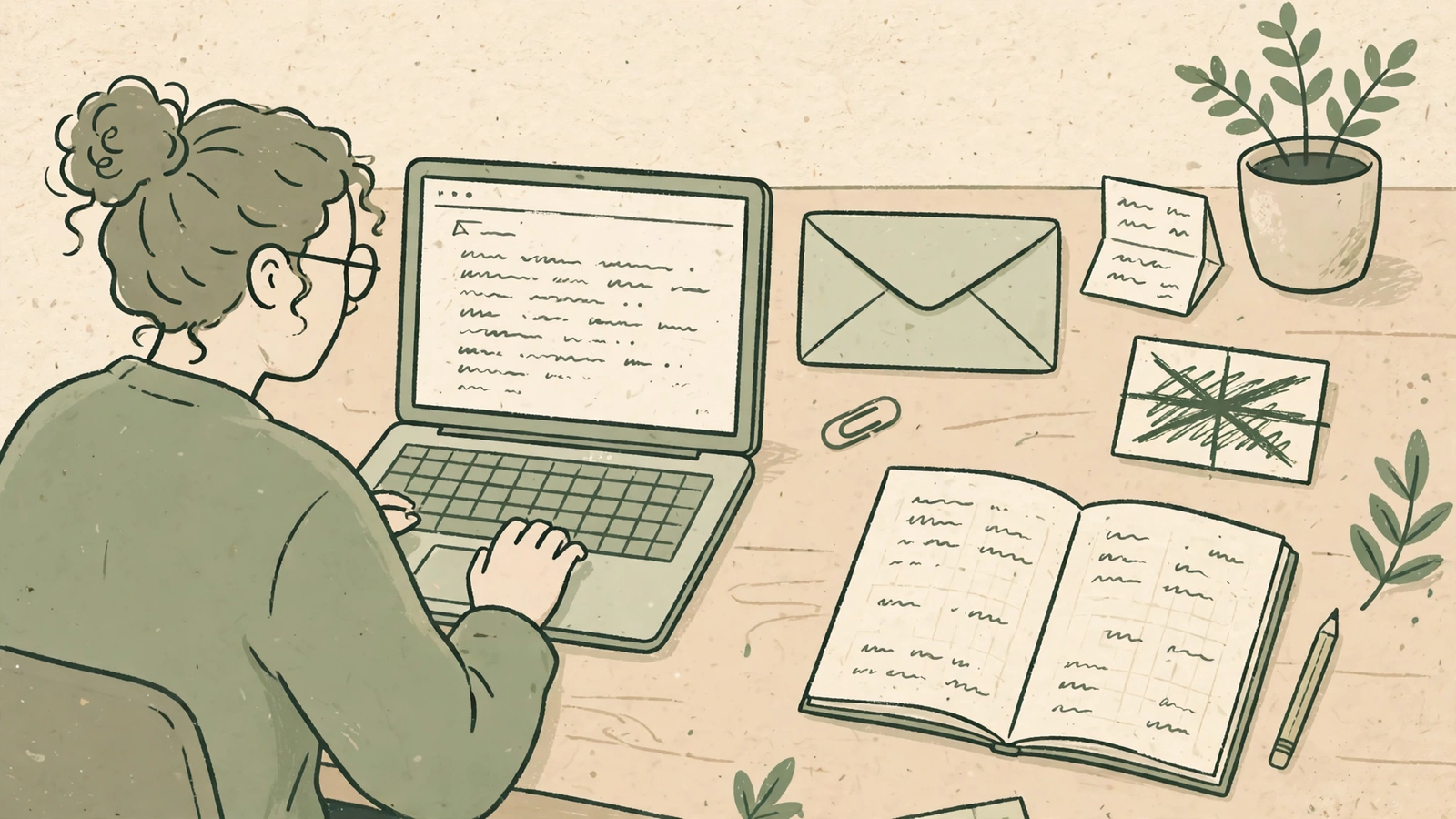
A cold email is a stranger knocking on someone’s door. If you knock like a robot — “I hope this email finds you well, I wanted to reach out regarding…” — the door stays shut. Not because your offer is bad, but because the person on the other side decided in four seconds that you’re not a person worth answering.
I’ve written and rewritten more cold emails than I care to admit, for freelance pitches, for this site, for collaborations that never happened and a few that did. The ones that got replies had almost nothing in common except this: they sounded like they’d been written to one specific human, by one specific human, on one specific day. Here’s how to get there.
1. Delete the opening line you always write
Every robotic cold email starts the same way, and your reader has seen that opening a thousand times. “I hope this email finds you well.” “My name is X and I’m reaching out because…” “I came across your profile and was impressed by your work.” All of it is throat-clearing. None of it is you.
Cut the first line entirely and see what’s left. Usually what’s left is the actual reason you’re writing, and it’s ten times stronger. Instead of “I hope you’re doing well, I wanted to introduce my editing service,” try “I read your piece on pricing freelance work last Tuesday, and your point about charging for revisions stuck with me.” One of those is a template. The other is a person who actually read something.
If you can’t write a specific opening, you haven’t done the research yet. Go back and find one real thing — a post, a project, a problem they mentioned in an interview — and lead with that. One genuine detail beats a paragraph of flattery every time.
2. Say what you want in the second paragraph, plainly
Robotic emails hide the ask. They circle it for three paragraphs with phrases like “explore synergies” and “see if there might be a fit,” hoping the reader will somehow guess what’s being offered. Readers don’t guess. They delete.
Say it plainly, in one sentence: “I’m a freelance editor, and I’d like to edit one article for you — free, this week — so you can see if my work fits.” Or: “I run a small writing site and I’d love to feature your guide on outlining, with a link back to your course.” No hedging, no jargon, no “I was wondering if perhaps you might consider.” The ask is the whole point of the email. Burying it doesn’t make you polite; it makes you hard to answer.
Plain language also respects the reader’s time, which is the scarcest thing in their inbox. A busy editor can reply to a clear ask in thirty seconds. A vague one takes a meeting’s worth of thought, so it gets deferred forever.
3. Write it the way you’d say it to a colleague
Here’s my test, and it’s ruthless: read your email aloud. If you’d feel embarrassed saying it to someone across a table in a café, rewrite it. Nobody in real life says “I am writing to inquire whether you would be amenable to a brief introductory call at your earliest convenience.” They say “Could we have a quick call next week? Fifteen minutes, your schedule.”
Contractions help. Short sentences help. Starting a sentence with “And” or “But” helps, because that’s how people actually talk. The goal isn’t to be casual for its own sake — it’s to remove the stiffness that makes a reader feel managed instead of spoken to. Professional doesn’t mean formal. The most professional email I ever received was seven sentences long, warm, direct, and signed with just a first name.
One more trick: write the email to a named person, not to “the team” or “hiring managers.” Even if you’re guessing at the right contact, “Hi Sarah” changes everything about how the email reads. Generic greetings produce generic emails.
4. Prove you did ten minutes of homework
The difference between spam and a cold email worth answering is almost always ten minutes of research. Not an hour. Not a deep dossier. Ten minutes: read their last two posts, check what they’re working on now, notice one thing they’re struggling with or proud of.
Then use exactly one detail from that research — not five, not a summary of their CV. One detail, woven into the first two lines, tells the reader this email wasn’t blasted to five hundred people. “Your thread last week about losing a client over turnaround times” is worth more than “I’ve been following your impressive career.” The first proves you were there. The second proves you have a template.
And here’s the part people skip: connect that detail to your ask. Don’t just admire their work and then pivot to an unrelated pitch. “You wrote about turnaround times — that’s exactly the bottleneck my editing workflow is built to fix” gives the reader a reason to keep reading. Admiration without a connection is just flattery, and readers can smell it.
5. Make replying the easiest thing in their day
Most cold emails end with homework: “Let me know a time that works for you” or “I’d love to hop on a call to discuss further.” That’s a task, not a reply. Make the reply effortless instead.
Give them a one-word-out: “Worth a quick look? A yes and I’ll send a sample.” Offer a specific, low-stakes next step: “If you’re open to it, I’ll edit the first 500 words of your next post — no charge, no obligation.” Or just ask a question they can answer in one line: “Is this something you’re looking into this quarter, or is the timing off?”
Keep the whole email short. My rule: if it doesn’t fit on a phone screen without scrolling, it’s too long. One hundred to one hundred and fifty words is plenty for a first email. You’re not closing a deal in the first message — you’re earning a reply. Everything else can wait for message two.
The honest truth
Cold email feels robotic because most of it is written by people trying to sound impressive instead of trying to be understood. The fix isn’t a better template or a cleverer subject line. It’s writing to one person about one real thing, asking for one clear thing, and making the reply easy. Do that, and your emails stop sounding like outreach. They start sounding like the beginning of a conversation — which is all a cold email ever was supposed to be.
Frequently Asked Questions
How long should a cold email be?
Short — around 100 to 150 words for a first message. If it doesn’t fit on a phone screen without scrolling, cut it. You’re earning a reply, not closing a deal.
Should I use AI to write cold emails?
You can use it for a first draft or to tighten your wording, but never send an AI draft untouched. AI defaults to the exact generic openings and hedging that make cold emails sound robotic. Edit every line until it sounds like you, writing to one named person.
Is it okay to follow up if I get no reply?
Yes — once, about a week later, briefly. A single short follow-up (“Just bumping this up — still happy to send that sample if useful”) often gets the reply the first email didn’t. More than one follow-up starts to feel like pressure.
What subject line works best for a cold email?
A short, specific one tied to their work — not to your pitch. “Your piece on revision pricing” beats “Quick question” and beats “Increase your revenue by 40%.” Specificity signals a human wrote it.
Continue your workflow
Was this guide helpful?
Tell us what needs improving →
Your selection stays on this page. To send feedback to the publication, use our contact form.
Published 2 November 2026 · Text Craft Pro · AI-assisted educational writing. Editorial policy · Suggest a correction