Editing
The 20-Minute Blog Post Workflow (AI Draft + Human Edit)
A timer, a brief, and a ruthless six-minute edit: the exact routine I use to publish a solid blog post in twenty minutes flat.
 Written by Daniel Carter
Daniel Carter writes and edits practical guides on writing, editing, and publishing at Text Craft Pro, based on hands-on testing and documented examples.
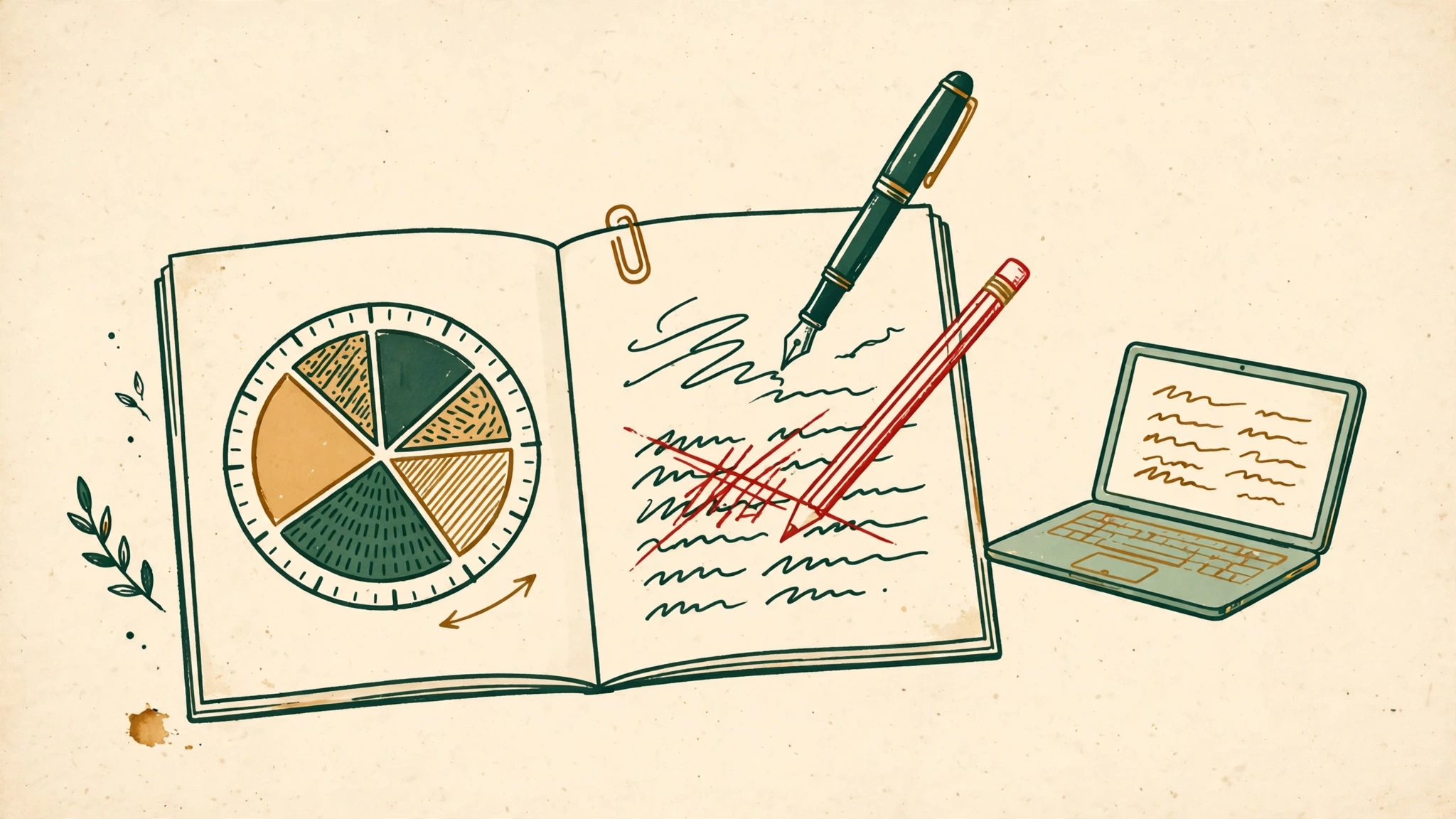
Twenty minutes is an honest amount of time to write a blog post. Not “twenty minutes if you’re a genius” — twenty minutes, with a timer running, for a normal person on a normal Tuesday.
I’ve published hundreds of posts across my career, and the ones that took three hours weren’t better than the ones that took twenty minutes. The three-hour ones were just slower. The difference was never brilliance. It was the workflow.
Here’s the workflow I use when I need a solid, readable post and I don’t have a long morning. AI does the first pass; I do the thinking. Twenty minutes total.
Minutes 0–3: write a brief, not a prompt
Most people start by asking the AI to “write a blog post about X.” That’s how you get a post that sounds like everyone else’s post about X.
Instead, spend three minutes writing a brief. Not a clever prompt — a brief, like you’d hand an actual writer. Four bullets, fast and ugly:
- Who is this for, specifically?
- What’s the one point you want them to remember?
- What’s a real example you can give that nobody else has?
- What should the reader do differently after reading?
That last question is the important one. If you can’t answer it, don’t write the post yet — a post without a “so what” is just typing.
I jot the bullets and go. “For: freelancers who undercharge. Point: raise rates by naming a number first. Example: the $1,200 proposal that took me 40 minutes and felt like a scam. Action: state your rate plainly in your next proposal.” Three minutes, maybe less.
Minutes 3–9: let the AI make the mess
Now hand the brief to the AI and ask it to write a full draft. Give it the bullets verbatim — the more specific your brief, the less generic the output.
This is the part people misunderstand. The AI isn’t your co-author here. It’s a fast intern who produces a shapeless first draft in ninety seconds. You’re not looking for quality; you’re looking for momentum. A draft exists. The blank page is dead. That’s worth six minutes.
I never edit while the draft generates. I refill my coffee, look out the window, and let it finish. The pause matters more than you’d think — it puts distance between your expectations and the actual draft, and distance is what lets you edit cold.
Minutes 9–15: the ruthless edit
Here’s where the twenty minutes get real. Six minutes to turn a machine draft into something a human would read. Here’s the pass I run, in order:
1. Cut the opening paragraph. Not a joke — the first paragraph of an AI draft is almost always throat-clearing. Delete it. Your second paragraph is your real opening. This alone saves most drafts.
2. Find the sentences only you would write. Read fast and mark the lines with a pulse — a weird comparison, a blunt opinion, a specific number. Protect those; everything else is negotiable. If the draft is 600 words, about 150 of them should be genuinely mine by the end.
3. Delete every filler phrase you know by heart. “It’s important to note,” “in order to,” “delve into,” “game-changer.” Don’t replace them with synonyms — just delete them. AI drafts are overbuilt; they lose nothing when you strip the padding.
4. Add one specific thing per section. A number, a name, a moment. “I tried this on Tuesday” is worth more than three paragraphs of advice. AI can’t invent your specifics, so specifics are the fastest way to make the draft unmistakably yours.
5. Cut 10% of what’s left. Whole sentences, not words. If cutting breaks nothing, the words weren’t carrying weight.
Minutes 15–19: check the structure
Step back and read it as a reader, not a writer. Four questions, fast:
- Does the headline promise something specific?
- Does the first paragraph make me want the second?
- Is there exactly one idea per section?
- Does the ending tell me what to do — not a summary, an action?
This takes four minutes because the answers are obvious the moment you ask the questions. Blog posts don’t fail from mystery; they fail from drift. And drift is visible the instant you look for it.
Minute 20: publish and walk away
Stop. Ship it.
This is the hardest minute, because every writer has a little voice that says the post could be better with another pass. It could. It could always be better with another pass — and if you take that pass, you’ll take another, and suddenly twenty minutes became two hours and the post is sitting in drafts instead of being read.
The dirty secret of publishing frequency: done beats perfect, every single time. A good post published today outperforms a great post sitting in your drafts folder. Your readers can’t tell you skipped the third polish pass. They can tell you showed up.
Why this works
The workflow works because it assigns each job to the party that’s best at it. AI is fast at structure and terrible at judgment. You’re good at judgment and slow at structure. A twenty-minute post is just the two of you doing what you’re each good at, with a timer keeping everyone honest.
The first time I tried this, I timed it like a skeptic: 22 minutes, and honestly the post was fine. The second time it took 19. The tenth time I stopped timing, because the workflow had absorbed itself.
You don’t need a content calendar or a fancier AI tier to publish regularly. You need a brief, a draft, a ruthless six minutes, and the discipline to stop at twenty. That’s the whole system. Set a timer and write something.
Continue your workflow
Was this guide helpful?
Tell us what needs improving →
Your selection stays on this page. To send feedback to the publication, use our contact form.
Published 24 October 2026 · Text Craft Pro · AI-assisted educational writing. Editorial policy · Suggest a correction