Planning
How to Write Better Prompts for AI Writing Tools
The difference between a useless AI draft and a useful one is almost never the tool. It’s the prompt.
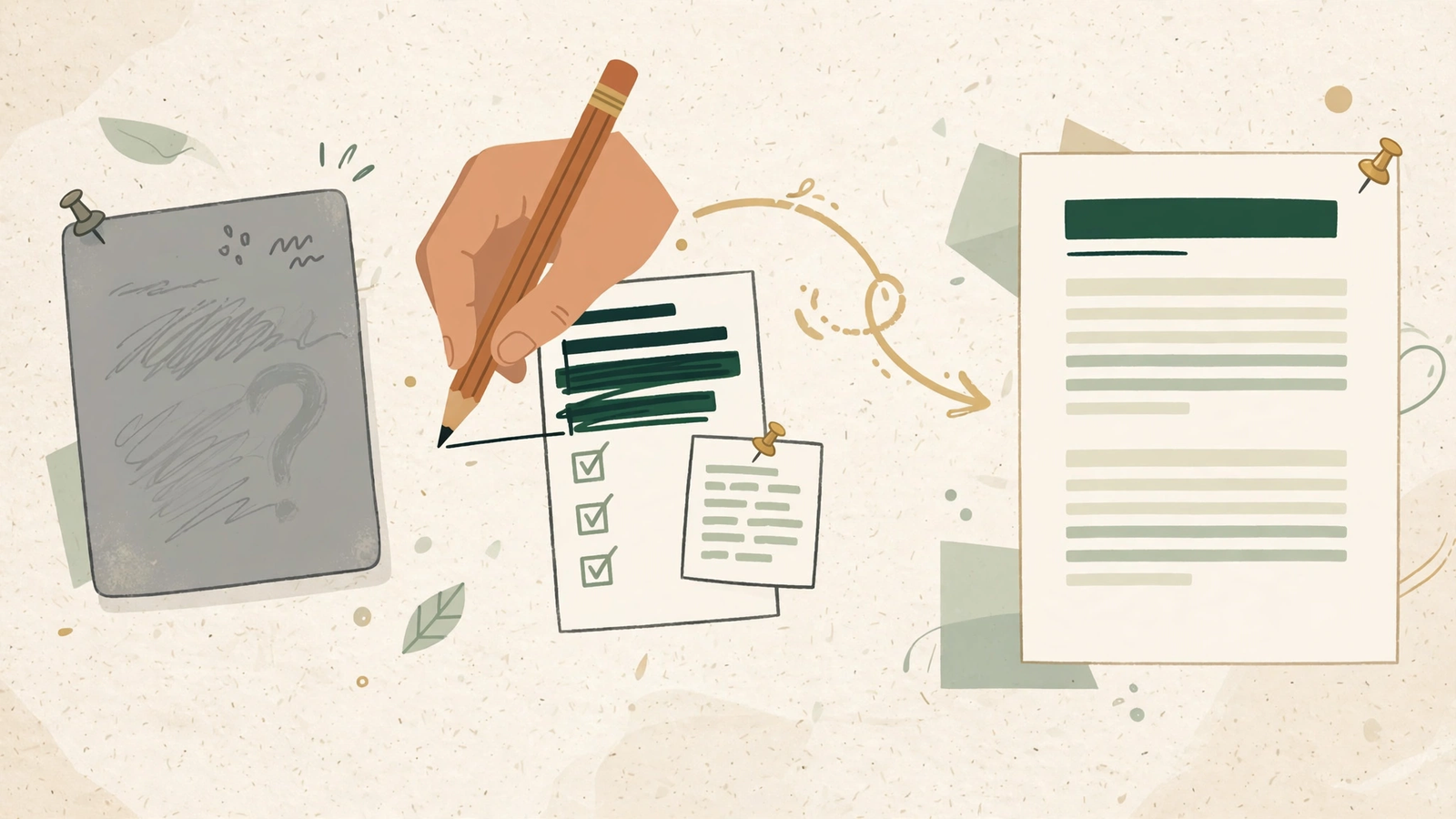
They sound confident, they never get stuck, and they will happily erase everything that makes your writing yours — unless you edit them on purpose.
I’ve edited hundreds of AI-assisted drafts at this point (including some on this very site), and the pattern is always the same: the draft comes back polished, fluent, and faintly like everyone else. Here’s the routine I use to put the human back in.
I get the same question after almost every guide I publish: which AI writing tool should I use? Honestly, the tool barely matters anymore. I’ve fed the same vague prompt to four different tools and gotten four flavors of the same mush — and I’ve fed a good prompt to the cheapest free tool I could find and gotten a draft I could actually work with.
The difference between a useless AI draft and a useful one is almost never the tool. It’s the prompt. Here’s what I’ve learned about writing prompts that produce drafts worth editing.
Describe the reader, not just the topic
Most prompts I see describe the topic and forget the reader entirely. “Write a blog post about time management for freelancers.” A post for whom? A beginner freelancer drowning in their first three clients needs a completely different article than a veteran optimizing an already-working schedule.
So I name the reader before anything else: “My reader is a freelance designer who just landed her first retainer client and is panicking about scope creep.” Now the tool knows the anxiety, the vocabulary, the stakes. Everything downstream gets sharper because the writer — human or machine — finally has someone to talk to.
If you take nothing else from this guide: a prompt without a reader is just a topic with ambition.
Give it the raw material first
Here’s the single biggest upgrade to my own prompting: I stopped asking the tool to work from nothing. The blank-page prompt — “write me an article about X” — is where the worst AI writing comes from, because the model fills the void with the most average possible content.
Instead, I paste in raw material first: my scattered notes, three bullet points from a call, the stat I want to open with, a paragraph I half-wrote on my phone. “Here’s what I know. Turn it into a draft.” The output changes dramatically — instead of inventing content, the tool is organizing mine. It can’t be generic about details I already supplied.
Think of it this way: you wouldn’t ask an intern to write a report on a subject they know nothing about, with no briefing, and expect brilliance. Give the machine the same respect you’d give a person. Raw material in, usable draft out.
One job per prompt
My early prompts were multi-job monsters: “Write a 1,000-word guide about budgeting for freelancers, make it friendly, include an FAQ, optimize it for the keyword ‘freelance budget’, and end with a call to action.” The result was always a gray compromise — every instruction got a little attention and none got real attention.
Now I split the work the way I’d split it for a human team. Prompt one: the outline. Prompt two: the rough draft of one section. Prompt three: the rewrite pass on a paragraph that’s flat. Each prompt does one job, and I check the result before moving to the next step. It’s slightly slower than one mega-prompt and massively faster than fixing one mega-mess.
The rule I use: if my prompt needs the word “and” more than twice, it’s three prompts pretending to be one.
Show it an example
The most underused prompt technique is also the simplest: show the tool what “good” looks like. Paste a paragraph you love — yours or someone else’s — and say “match this tone.” A hundred adjectives can’t do what one example does.
I keep a small file of paragraphs I admire: a funny intro from a newsletter, a blunt product description, a calm explainer. When I need a new draft in a similar register, I paste one in and say “write the new section in the voice of the example below.” The results land closer on the first try than any amount of tone-describing ever managed.
Adjectives are vague. Examples are specific. The machine, like any writer, copies what it can see.
Write like you’re briefing a smart intern
When I’m stuck, I imagine the person receiving my prompt: bright, fast, zero context, no memory of my last project. What would I tell them? I’d tell them who the reader is, what I already know, what the piece should do, and what good looks like. I’d never say “make it engaging” — I’d say “open with the mistake, not the advice.”
That last one is worth underlining. Vague praise-words — engaging, compelling, high-quality — are the prompt equivalent of saying “just make it good.” The tool fills them with its own average idea of good, which is exactly the mush we’re trying to avoid. Trade every adjective for an instruction: not “make it engaging” but “start with a specific moment from the reader’s week.” Not “keep it concise” but “no paragraph longer than four sentences.”
Specific beats flattering, every time.
Say what you don’t want
Half of prompting is pointing forward. The other half is fencing off the bad defaults. I now end almost every prompt with a short “avoid” list, and it catches problems before they start: no “in today’s fast-paced world” openings, no “delve” or “tapestry,” no bullet list of generic tips, no concluding “in summary.”
This works because AI tools have house tics — the same smooth, sleepy patterns show up everywhere (I keep a whole hit list of them from my editing work). Naming the ones you won’t accept is cheaper than deleting them after every draft. You’re not fighting the tool’s habits; you’re just telling it your boundaries up front.
Fix the prompt, not the output
When a draft comes back wrong, my old instinct was to edit the output — rewrite the bad intro, cut the filler, rearrange. Sometimes that’s right. But if I’m making the same fix across three drafts, the problem is upstream: my prompt is producing the thing I keep deleting.
Now I keep a running “prompt notebook” — a plain document where I save prompts that worked and note what I changed when they didn’t. When a draft comes back with the same flat intro three times, I don’t rewrite the intro a fourth time. I open the notebook and add one line to the prompt: “open with the reader’s specific situation, never with a general statement.” Next draft, the problem is gone — not fixed, prevented.
This is the compounding part nobody talks about. Each prompt you fix is a prompt you never have to fix again. Six months in, my prompts carry a year’s worth of small corrections, and my first drafts land closer every week.
The honest truth
A good prompt doesn’t write the article for you. It can’t — the best parts of any piece are the specifics only you know, the examples only you’ve lived, the opinions only you’d hold. What a good prompt buys you is a draft that starts closer to the finish line: organized around your material, aimed at your reader, in roughly your voice.
Write the prompt like it matters, because it does. Then do the human part — the editing, the specifics, the cut — the way only you can.
Continue your workflow
- How to Keep Your Voice When Editing AI Drafts
- I Tested 4 Free AI Paraphrasing Tools — Here’s What Actually Helped
Was this guide helpful?
Tell us what needs improving →
Your selection stays on this page. To send feedback to the publication, use our contact form.
Published 21 October 2026 · Text Craft Pro · AI-assisted educational writing. Editorial policy · Suggest a correction