Editing
I Tested 4 Free AI Paraphrasing Tools — Here’s What Actually Helped
I ran the same three paragraphs through four free paraphrasing tools and judged them by one question: would I keep the rewrite, or rewrite the rewrite?
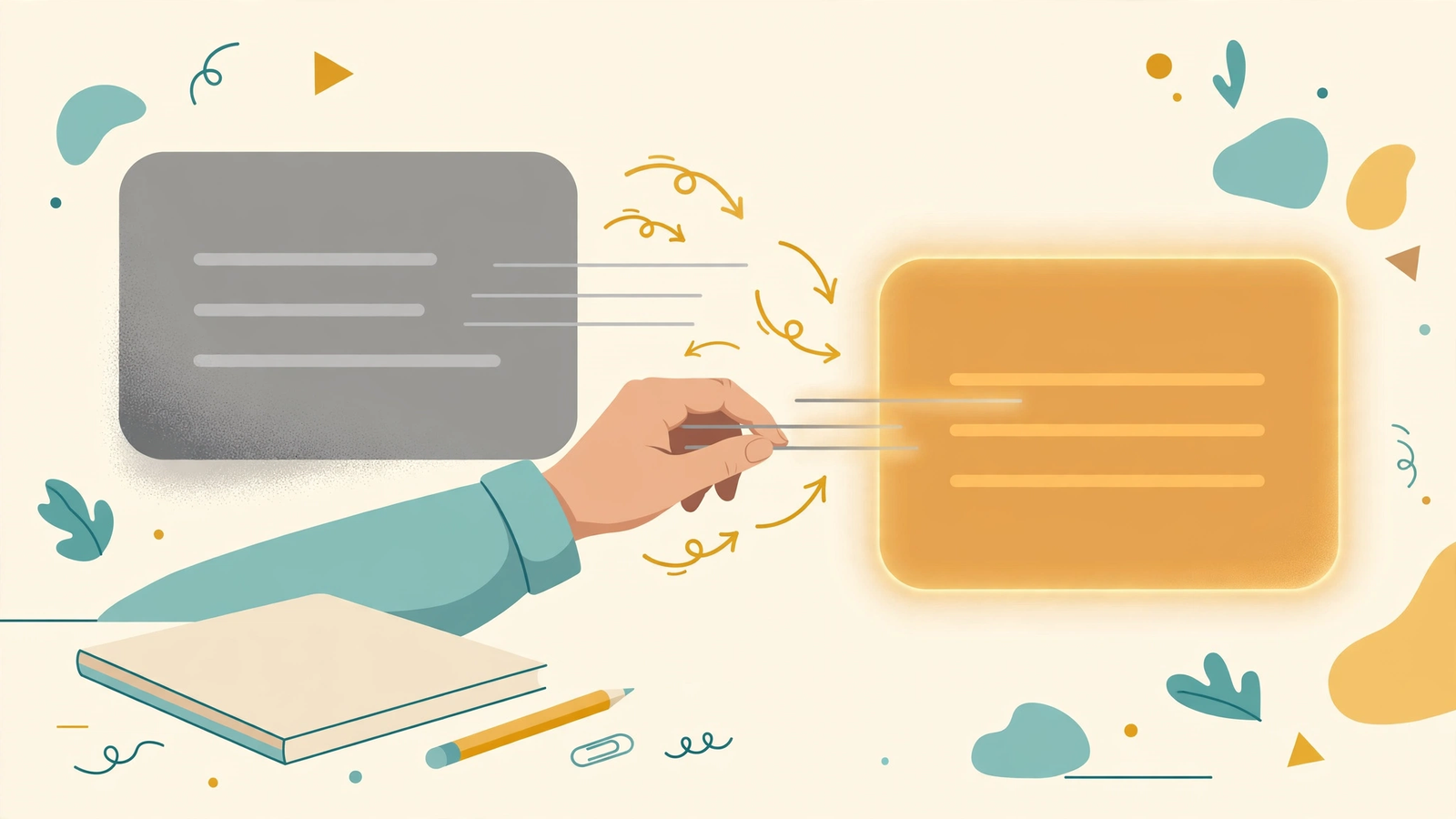
Last week I had a draft that was technically fine and completely dead. Every sentence was correct, and not one of them sounded like a person. Rewriting the whole thing by hand would have taken an hour I didn’t have, so I did what I always do when I’m stuck: I tested the tools.
I ran the same three paragraphs through four free AI paraphrasing tools and judged the output the way I judge everything on this site — by whether it actually improved a real draft. Here’s what happened.
How I tested (so you can trust the verdicts)
I picked one paragraph from each of three real editing situations:
- A stiff, formal paragraph that needed loosening up
- A repetitive paragraph that said the same thing twice
- A decent paragraph I just wanted to hear in a different rhythm
For each tool, I asked one question: would I keep this rewrite, or would I rewrite the rewrite? A tool that gives me a sentence I’d keep is useful. A tool that gives me a sentence I have to fix is just homework with extra steps.
I also tracked what the free tier actually lets you do — word limits, modes, and how aggressively the site pushes you toward paying. Because a “free” tool that locks everything useful behind a paywall isn’t free; it’s a demo.
Tool 1: QuillBot
The big name, and the most generous free tier of the four I tested. It offers several rewriting modes (standard, fluency, formal, simple) without making you pay, which matters — different drafts need different kinds of rewriting.
On my stiff paragraph, fluency mode did genuinely good work: it untangled two awkward sentences and kept the meaning intact. On the repetitive paragraph, it did what most paraphrasers do — it swapped synonyms instead of restructuring, so the repetition survived with different words. That’s the classic paraphraser failure, and no tool here fully escaped it.
The honest verdict: best free option for everyday sentence-level fixes. The interface is clean, the free tier is usable, and it rarely produces anything embarrassing. But don’t expect it to restructure your thinking — it rewrites sentences, not ideas.
Tool 2: Wordtune
Wordtune works differently: instead of rewriting a whole paragraph, it suggests alternative phrasings sentence by sentence, like an editor leaning over your shoulder. You pick the suggestions you like and skip the rest.
This turned out to be the best match for how I actually edit. On my decent paragraph — the one I just wanted to hear differently — Wordtune’s suggestions gave me options I wouldn’t have thought of, and because I chose sentence by sentence, nothing flattened into generic AI voice. It also has a casual/formal tone toggle that genuinely changes the register instead of just swapping words.
The catch: the free tier is limited to a small number of rewrites per day. Fine for polishing one draft; useless if you want to run a whole batch of articles through it. If you write in short, deliberate sessions, this is the one I’d try first.
Tool 3: Paraphraser.io
The plainest tool of the four — paste text, pick a mode, get a rewrite. No account needed, no daily limit theatrics. On paper, that’s appealing.
In practice, it was the least reliable. On my stiff paragraph it produced a version that was technically grammatical and subtly wrong — it changed “edit on purpose” to “edit deliberately,” which sounds the same but shifted my meaning. Small errors like that are the dangerous kind, because they read fine until someone notices. I caught it because I was testing; on a tired evening, I might not have.
The honest verdict: usable for rough first passes on low-stakes text, but read every word of the output. A paraphraser that introduces silent meaning changes costs more time than it saves.
Tool 4: The built-in rewriters (Grammarly / browser AI)
I also tested the rewrite features baked into tools I already use — Grammarly’s rewrite suggestions and the AI helper in my browser. These aren’t dedicated paraphrasers, but they’re already in your workflow, which counts for a lot.
Grammarly’s suggestions were conservative and safe: better than what I had, never surprising. The browser AI was more adventurous and occasionally excellent — it restructured one paragraph in a way none of the dedicated tools attempted. But it was also the most inconsistent: great once, mediocre twice, weird once.
The honest verdict: if you already pay for or use one of these, try its rewrite feature before adding another tool to your life. But don’t rely on it for heavy rewriting — inconsistency is the price of convenience.
What I actually use now
After the test, here’s my real workflow:
- Everyday sentence fixes: QuillBot, fluency mode, free tier. It’s the workhorse.
- Paragraphs I care about: Wordtune, sentence by sentence. It respects my voice instead of steamrolling it.
- Everything else: my own hands. No paraphraser restructures an argument or finds the line only I’d write. That’s still my job — see my piece on keeping your voice when editing AI drafts.
One rule covers all four: never accept a paraphrase you haven’t read. Every tool here produced at least one rewrite that sounded right and meant something slightly different. Reading the output isn’t optional; it’s the whole job.
A quick checklist
- Know which problem you’re solving: stiff sentences, repetition, or just rhythm
- Pick the tool that matches the problem (bulk fixes vs. sentence-by-sentence)
- Check the free tier limits before you build a workflow around a tool
- Read every rewritten sentence — watch for silent meaning changes
- Keep the lines only you’d write; let the tool handle the connective tissue
The honest truth
Paraphrasing tools are good at one thing: giving you a second version to react to. They’re not good at knowing which version is better — that’s your judgment, and it stays your judgment. Use them as a sparring partner, not a ghostwriter, and they’ll speed you up. Hand them the steering wheel and your drafts will converge toward the same smooth, forgettable average as everyone else’s.
The tool doesn’t make the writing yours. The choosing does.
Continue your workflow
Was this guide helpful?
Tell us what needs improving →
Your selection stays on this page. To send feedback to the publication, use our contact form.
Published 20 October 2026 · Text Craft Pro · AI-assisted educational writing. Editorial policy · Suggest a correction