Editing
AI Paraphrasing vs. Manual Rewriting: When to Use Each
AI paraphrasing tools are genuinely good at what they do — and what they do is surface-level. Here’s my honest rule for when to click the button and when to rewrite by hand.
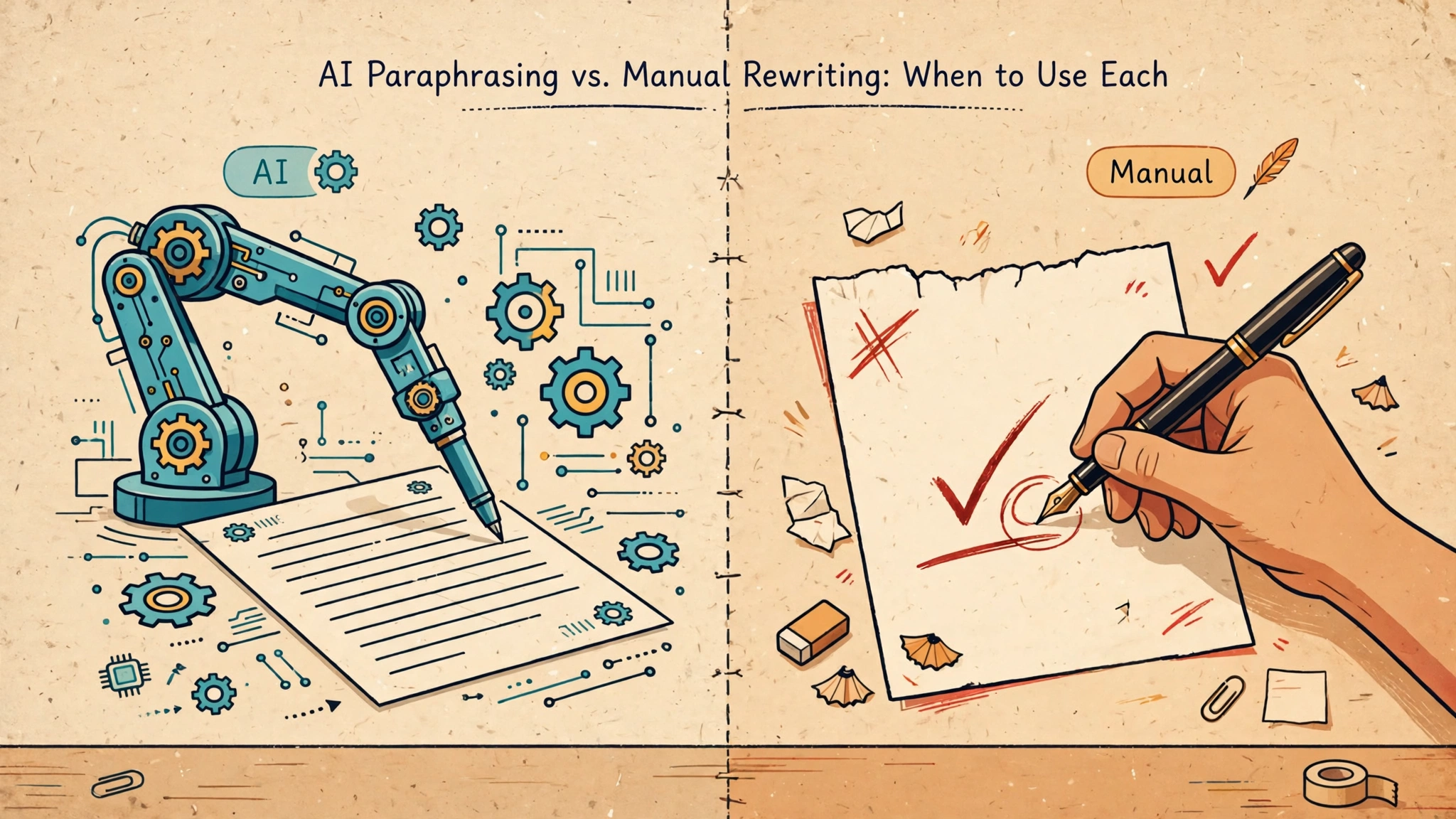
I used to treat AI paraphrasing tools like a washing machine: throw in clunky text, get back clean text. Then I started reading what came out, and I realized it was more like a washing machine with a shrinking problem — the text came back clean, sure, but three sizes smaller in personality.
That doesn’t mean the tools are useless. It means they’re the right tool for some jobs and the wrong one for others. After two years of mixing both approaches in my own work, here’s the honest breakdown of when I click “paraphrase” and when I roll up my sleeves and rewrite the thing myself.
What each one actually does
Let’s be precise, because people use these words interchangeably and they shouldn’t.
AI paraphrasing takes your existing sentence and re-fits it — same idea, different words, same order, same shape. The tool swaps vocabulary and nudges the syntax. The skeleton of your paragraph stays intact.
Manual rewriting means tearing the skeleton out. You keep the idea, and you rebuild the sentence — or the whole paragraph — from zero: different angle, different rhythm, different structure. Sometimes the only thing that survives is the point.
That distinction matters because the tools only ever do the first thing. A paraphraser will never say, “Actually, this argument would land better as a story instead of a list.” That’s a rewrite decision, and it’s the one that usually matters most.
When AI paraphrasing wins
You need a quick tone or length adjustment. Got a stiff sentence in an otherwise good draft? A 40-word paragraph that needs to be 25? That’s paraphrasing territory. Yesterday I had a newsletter line that read “We are pleased to announce the availability of…” — I ran it through a paraphraser and got back “It’s finally here,” which is what I actually meant. Thirty seconds, done.
You’re writing repetitive bulk text. Product descriptions, FAQ entries, meta descriptions, dozens of near-identical listings — places where the idea is fixed and only the wording needs variation. I rewrote 60 product blurbs for a client’s site once; for the first 40 I used a paraphraser on a strong template and spot-checked each one. My wrists thanked me.
English isn’t your first language and you want a fluency pass. I’ve watched non-native writers use paraphrasers as a learning tool: paste your sentence, compare versions, notice what changed. It’s like having a tutor who works instantly and never gets impatient. The trick is to study the output, not just accept it.
The content is low-stakes. Internal docs, first-pass notes, a Slack message to a colleague — anything where clarity matters and voice doesn’t. Nobody will remember how you phrased the meeting recap.
In all of these cases, the key discipline is the same: always read the output. Paraphrasers quietly invert meanings — I’ve seen one turn “not without risks” into “without risks” with complete confidence. Treat the output as a draft, not a result.
When manual rewriting wins
The draft has a voice problem. If a paragraph sounds like everyone and no one, paraphrasing just gives you the same blandness in different words. The blandness isn’t in the vocabulary — it’s in the thinking: the safe generalizations, the hedged opinions, the missing specifics. You can’t fix thinking with word swaps. Sit with the paragraph and ask what you actually believe, then write that.
The structure is the problem. Paraphrasing preserves structure, so it can never rescue a paragraph whose order is wrong. If your conclusion is buried, your evidence leads your claim, or your transition makes no sense — that’s structural surgery. I keep a sticky note on my monitor: “If you’re paraphrasing the same paragraph twice, rewrite it.” Two paraphrase passes on the same text is a sign you’re avoiding the real work.
You need to be quotable. Original lines — the ones people share, the ones that end up in slides — are almost never paraphrase output. Paraphrasers converge toward the average of everything; quotability lives at the edges. The sentences from my articles that readers actually quote are the ones I wrote by hand, usually in one unguarded pass.
It’s the opening or the closing. First impressions and last words carry disproportionate weight. A reader decides in the first two sentences whether to continue, and the final sentence decides what they carry away. Those are worth your own words. I’ll happily paraphrase the middle of an article; the opening paragraph and the closing line are mine.
Something has to change in meaning. Want to soften a criticism, sharpen a claim, reframe a feature as a benefit? Paraphrasing tools optimize for preserving meaning, so they fight you when you want to shift it. Rewrite by hand and you control exactly what moves and what stays.
The hybrid move most people miss
Here’s my actual workflow, and it’s neither pure paraphrase nor pure rewrite: I paraphrase first, then rewrite.
When a paragraph is stubborn, I run it through a paraphraser — not to use the output, but to break my attachment to my original wording. Seeing the same idea in different words loosens my grip on my sentences, and suddenly rewriting feels easy because I’m no longer defending my phrasing. The paraphraser becomes a crowbar, not a replacement.
This works especially well on drafts I’ve been staring at too long. There’s a sentence I loved on Tuesday that I can finally see is doing nothing on Thursday — but only after a paraphraser showed me the idea in plain, unadorned words.
A simple rule of thumb
If the problem is in the words, paraphrase. If the problem is in the thinking, structure, or voice, rewrite.
Another way to say it: paraphrasing answers “how can I say this differently?” Rewriting answers “what am I actually trying to say?” Most bad drafts don’t need a different way of saying it — they need the writer to decide what “it” is.
The honest truth
Paraphrasing tools are genuinely good at what they do, and what they do is surface-level. The mistake is treating surface changes as editing. Editing — the kind that turns a decent draft into a good one — happens at the level of ideas and structure, and no button does that for you yet.
Use the tool for the fast, boring passes. Save your brain for the passes only a brain can do. Your readers can tell the difference even when they can’t name it — and honestly, so can you.
Continue your workflow
- I Tested 4 Free AI Paraphrasing Tools — Here’s What Actually Helped
- How to Keep Your Voice When Editing AI Drafts
Was this guide helpful?
Your selection stays on this page. To send feedback to the publication, use our contact form.
Published 22 October 2026 · Text Craft Pro · AI-assisted educational writing. Editorial policy · Suggest a correction