Editing
AI Summarizers: Getting the Gist Without Losing Meaning
A summarizer gives you the gist in seconds — and quietly drops the numbers, caveats, and conditions that made the original trustworthy. Here is how to use one without being misled by it.
 Written by Daniel Carter
Daniel Carter writes and edits practical guides on writing, editing, and publishing at Text Craft Pro, based on hands-on testing and documented examples.
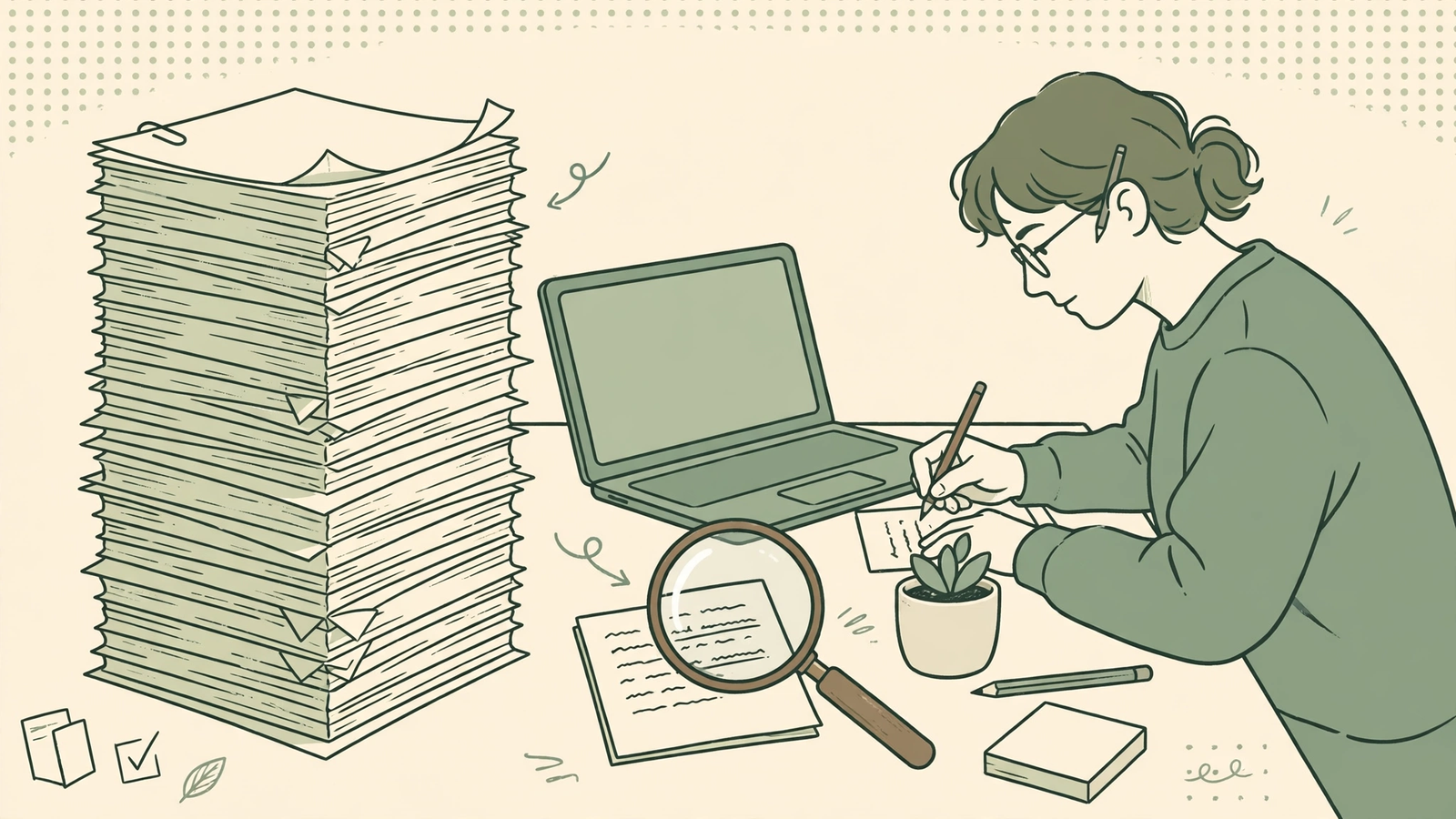
An AI summarizer will hand you the gist of a ten-page report in ten seconds, and that is exactly why it is dangerous. The gist feels complete. It reads smoothly, it hits the main points, and it leaves you with the comfortable sense that you now understand something you have not actually read. Sometimes you do. Often you understand a tidied-up version of it — the version with the awkward caveats removed, the numbers rounded off, and the one sentence that changed everything quietly dropped.
I use summarizers a lot. I use them to triage reading, to refresh my memory on something I read last month, and to get a first map of a long document before I dive in. They save me real time. But I never treat the summary as the document, and I have a short routine for checking what got lost in the squeeze. It takes about five minutes, and it is the difference between using a summarizer well and being quietly misled by one.
1. Decide what the summary is for before you press summarize
A summary is not one thing. A summary for “should I read this at all?” can be loose and short. A summary for “what did this report actually conclude?” cannot be. A summary you are going to quote, act on, or pass to someone else as fact needs to be checked against the original, full stop.
So start by naming the job. If you only need to decide whether a 40-page white paper is worth your afternoon, a three-bullet gist is fine — and if it turns out to be interesting, you read the original anyway. If you need the findings, the conditions, or the exact recommendation, tell the tool what you need: “Summarize the conclusions, and keep every number, date, and condition attached to them.” Vague prompts get vague summaries. A summarizer asked for “the main points” will give you the points that sound main, which is not always the same as the points that are main.
This one decision also tells you how much checking you owe yourself. Triage summary: no checking needed, because you are not relying on it. Decision summary: check it, because you are.
2. Read the original first — at least the edges
I know this sounds like it defeats the purpose. It does not, because you do not have to read the whole thing. Read the beginning and the end: the introduction, the conclusion, and the headings in between. That takes two or three minutes on most documents, and it gives you a skeleton to hang the summary on.
Without that skeleton, you cannot tell what the summary left out. A summary of a research paper that never mentions the sample size sounds fine until you learn the study covered twelve people. A summary of a policy document that skips the exceptions sounds decisive until you discover the rule does not apply to your case at all. When you have skimmed the edges, those gaps jump out at you. When you have not, they are invisible — and invisibility is the real risk of summarization, not inaccuracy. A wrong summary you can catch. A plausible summary with a hole in it, you cannot, unless you know where to look.
3. Check the three things summarizers drop first
Summarizers compress, and compression always sacrifices the same three things first: numbers, caveats, and attribution.
Numbers get rounded, merged, or quietly generalized. “Sales rose 4.2% in the second quarter, driven by the northern region” becomes “sales grew.” That is not wrong, exactly, but it is no longer useful — and if you repeat it in a meeting, you have just turned a specific finding into a vague claim. Whenever a number matters to your decision, find it in the original and write it down yourself.
Caveats get cut because they make sentences longer and less confident, and summarizers love confident sentences. “The treatment worked for patients under 60 with no prior conditions” becomes “the treatment worked.” The condition was the whole point. Look for words like “except,” “unless,” “limited to,” and “only” in the original, and check whether any of them survived into the summary.
Attribution gets blurred the same way. “The author argues” becomes “it is clear that,” and suddenly an opinion has been laundered into a fact. If the summary states something strongly, check whose claim it actually was.
4. Ask for a longer summary, then compare
Here is a check that costs almost nothing: ask the tool for two summaries — a short one and a longer one — and compare them. Anything that appears in the long version but not the short one is a candidate for something important that compression ate. Anything that appears in neither is either genuinely minor or something the tool missed entirely, which is why the edge-skim in step two still matters.
Better still, ask a pointed follow-up instead of accepting the first output: “What did the author say about the risks?” or “Were there any exceptions to the main finding?” Summarizers answer follow-up questions from the full document, not just from their own summary, so a second question often recovers exactly what the first summary dropped. I do this whenever a summary feels too clean. Real documents are messier than their summaries, and a little mess is a sign you are getting closer to the truth.
5. Keep the original’s words for anything you will repeat
If you are going to quote a finding, cite a statistic, or pass a recommendation on to someone else, do not quote the summary. Go back to the original and take the sentence from there, in its full context. A summary is a paraphrase, and paraphrases drift — a word softened here, a condition dropped there, and by the third retelling you are confidently stating something the author never said.
This is also where summarizers earn their keep honestly: they tell you where to look. A good summary is a map, not a destination. It points you to the three pages worth reading closely, and then you read those three pages properly. Used that way, a summarizer does not replace reading — it focuses it. You spend your attention where it matters instead of spreading it thinly over forty pages, and what you end up knowing is actually yours.
The honest truth
A summarizer does not understand your document. It predicts which sentences sound most representative, and most of the time it is roughly right. Roughly right is plenty for triage and nowhere near enough for decisions, citations, or anything you will repeat as fact. The five minutes you spend skimming the edges, checking the numbers and caveats, and pulling the exact words for anything you will reuse — those five minutes are what turn a handy shortcut into a trustworthy one. Skip them, and you have not saved time. You have just borrowed confidence you have not earned, and the bill for that usually arrives in a meeting, in print, or in front of someone who actually read the thing.
Frequently Asked Questions
Can I trust an AI summary of a document I have not read?
For triage, yes — to decide whether something is worth reading. For anything you will act on, quote, or pass on as fact, no. Treat the summary as a map to the original, then check the parts that matter before you rely on them.
Why do summaries so often drop the caveats?
Because caveats make sentences longer, weaker, and harder to compress. Summarizers are tuned to produce clean, confident sentences, so conditions, exceptions, and limits are the first things sacrificed. Always check the original for “except,” “unless,” and “only” before you repeat a finding.
Should I ask for a short summary or a long one?
Both, and compare them. The short one tells you what the tool thinks matters most; the long one shows you what compression removed. Anything in the long version but not the short one deserves a second look, especially if it is a number, a condition, or a disagreement.
What is the fastest reliable way to use a summarizer?
Skim the introduction, conclusion, and headings first, then summarize, then check the numbers, caveats, and attribution in the summary against the original. That routine takes about five minutes on a typical report and catches most of what compression loses.
Continue your workflow
Was this guide helpful?
Tell us what needs improving →
Your selection stays on this page. To send feedback to the publication, use our contact form.
Published 4 November 2026 · Text Craft Pro · AI-assisted educational writing. Editorial policy · Suggest a correction