Editing
How to Write How-To Guides People Actually Finish
Most guides do not fail because the advice is wrong. They fail because readers get stuck, lose their place, and quietly leave. Here is how to write a guide people actually finish — one clear action at a time.
 Written by Daniel Carter
Daniel Carter writes and edits practical guides on writing, editing, and publishing at Text Craft Pro, based on hands-on testing and documented examples.
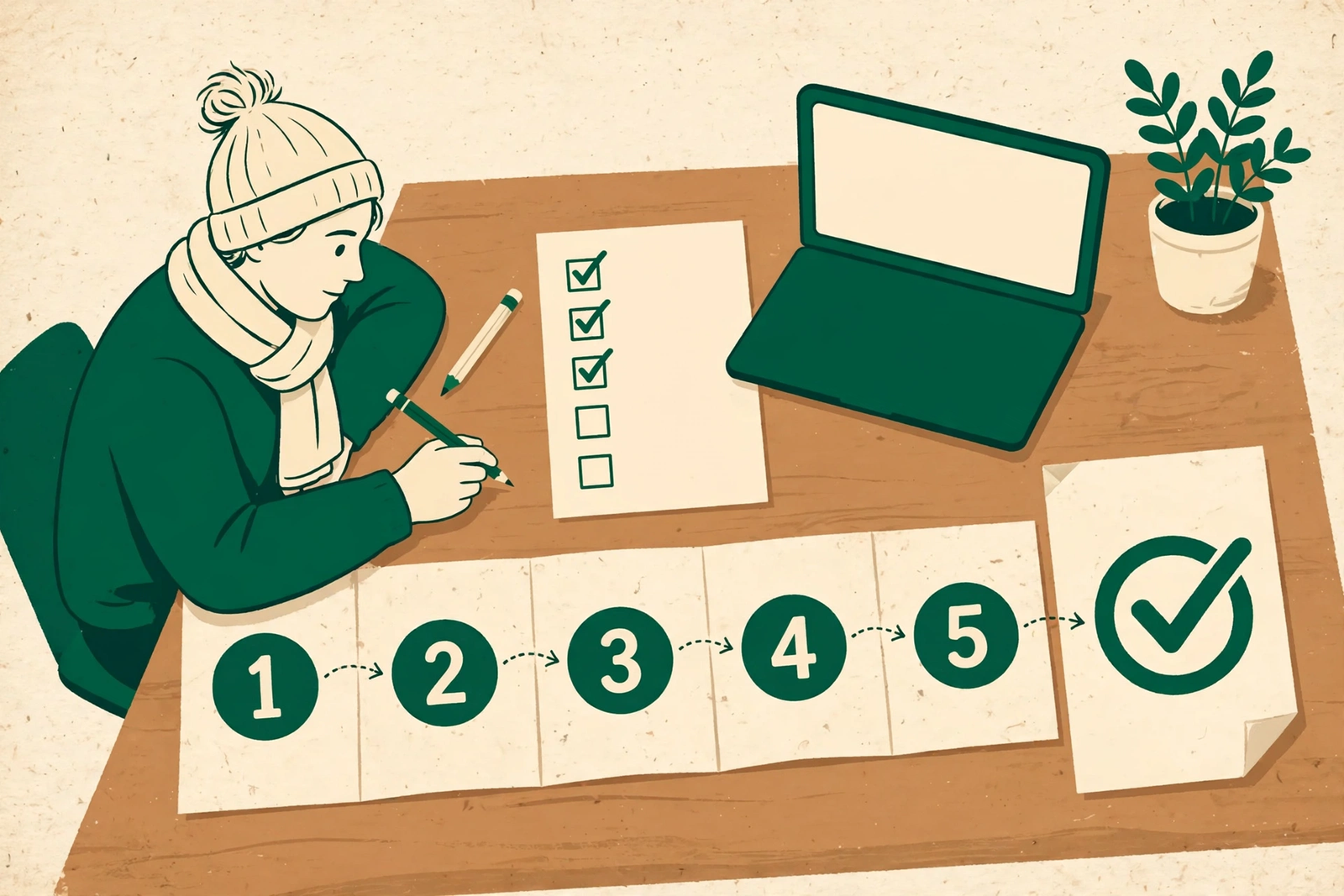
Most how-to guides fail in the same quiet way. Nobody complains. Nobody finishes, either. They open the guide, skim the first two steps, get stuck somewhere around step four, and quietly go somewhere else — not because your advice was wrong, but because the guide asked them to do too much thinking about how to follow it instead of letting them just do the thing.
I know this because I’ve written guides both ways. The ones people finish share a pattern, and it has almost nothing to do with being comprehensive. It has everything to do with removing friction at exactly the moments a reader is most likely to quit.
1. Start with the finish line, not the introduction
Before you write a single step, answer this: what will the reader have done when they reach the end? Not what will they know — what will they have done. “Set up a newsletter” is a finish line. “Understand email marketing” is not. Readers finish guides that promise a concrete result they can picture, and they abandon guides that promise a vague education.
Put that finish line in the first paragraph, in plain words. “By the end of this guide, you’ll have a working contact page on your site.” Now the reader can measure every step against something real. If a step doesn’t move them toward that result, it doesn’t belong — no matter how interesting it is. I cut whole sections this way, and the guides always get better. A reader who knows where they’re going will tolerate a long guide. A reader who doesn’t know will quit a short one.
2. One action per step, and say what success looks like
The most common how-to mistake is packing three actions into one step. “Open the settings, create a new section, and add your text” is not one step — it’s three, and the reader who gets stuck on the second one can’t tell whether they’ve finished the step or not. Split them. A step should contain one verb, one decision, and one visible result.
That visible result matters more than the instruction itself. After each step, the reader should be able to look at their screen and know, instantly, whether it worked. So write the check into the step: “Click Save. You should see a green confirmation bar at the top of the page.” When the reader sees that bar, they feel progress. When they don’t, they know exactly where things went wrong instead of drifting forward in confusion and quitting two steps later. Progress you can see is what keeps people going.
3. Write for the person doing it the first time, at midnight
Your reader is not sitting at a desk with your guide open and full attention to spare. They’re trying to do something they’ve never done before, probably in a hurry, probably on a phone, probably while something else is demanding their attention. So write for that person.
That means: name the exact button, not “the relevant option.” Say “click Settings in the left sidebar” instead of “go to your settings.” Give the exact words to type when there’s a field to fill, not just “enter your details.” And warn them about the one confusing screen before they reach it — “the next page will ask for a verification code; it’s in the email you just received” saves more readers than any amount of polish later on. If you find yourself writing “simply” or “just,” stop. Whatever follows those words is almost never simple for a first-timer, and the reader who finds it hard will feel stupid instead of helped. That feeling is where most guides lose people.
4. Let AI draft the steps, then walk them yourself
This is where AI genuinely helps a how-to guide — and where it quietly ruins one if you let it. Feed it your goal and ask for a step-by-step outline. It will produce a clean, logical sequence in seconds, and it will almost certainly include one step that doesn’t exist, one button that’s named wrong, and one assumption about what the reader already has set up. That’s not a flaw in the tool. It’s the nature of a tool that predicts plausible steps instead of performing them.
So treat the AI outline as a first draft, then do the thing yourself, following your own steps literally, one at a time. Every time you pause, backtrack, or guess, that’s a gap your reader would hit too. Fix it in the guide: add the missing step, rename the button, explain the prerequisite up front. I do this walk-through for every guide I publish, and I catch something every single time — usually in the middle, where my own familiarity had filled in a gap I never noticed. A guide you haven’t walked is a guess dressed up as instructions.
5. Cut the middle, keep the edges
Most unfinished guides are too long in the middle and too thin at the edges. The middle is where writers pad: background, theory, alternative approaches, history of the topic. Readers skip it, lose their place, and never come back. The edges are where readers actually need help: the setup before step one (what you need, what to have open, what account or tool you need first) and the troubleshooting after the last step (what to do when it doesn’t work).
So flip the proportions. Spend real effort on the prerequisites — a short checklist before step one that lets the reader confirm they’re ready. And spend real effort on a short “if this goes wrong” section at the end: the three most common failures, each with one fix. A reader who hits a problem and finds their exact problem answered in your guide will finish it and trust you next time. A reader who hits a problem and finds nothing will leave and remember the frustration, not the guide.
The honest truth
People don’t finish guides because the information was good. They finish guides because the guide respected their time, showed them the result up front, gave them one clear action at a time, and caught them when they stumbled. That’s not a writing trick — it’s a design decision you make before you write a word. Decide what the reader will have done, walk the steps yourself, and cut everything that doesn’t help them get there. Do that, and your guide stops being something people open. It becomes something people finish — and come back to the next time they need to learn how to do something.
Frequently Asked Questions
How long should a how-to guide be?
As long as the task takes, and no longer. A simple task done in ten steps beats a comprehensive guide that covers every edge case and loses the reader at step twelve. If a section doesn’t move the reader toward the finished result, cut it or move it to a separate guide.
Should I include screenshots in every step?
Not every step — but include one wherever the reader could get lost: a confusing screen, a button that’s hard to find, or the moment success looks different from what they’d expect. One well-placed screenshot at a decision point is worth five decorative ones.
How do I know if my guide actually works?
Follow it yourself, literally, from a cold start, without skipping anything you already know. Then ask one person who hasn’t done the task before to follow it while you watch in silence. Every pause they make is an edit you need to write.
Can AI write a good how-to guide on its own?
It can draft a good outline fast, but it can’t verify the steps. Buttons change, interfaces move, and plausible-sounding steps can be simply wrong. AI drafts the guide; your own walk-through makes it trustworthy.
Continue your workflow
Was this guide helpful?
Tell us what needs improving →
Your selection stays on this page. To send feedback to the publication, use our contact form.
Published 3 November 2026 · Text Craft Pro · AI-assisted educational writing. Editorial policy · Suggest a correction