Editing
Repurposing Old Blog Posts with AI
Your archive is the most underused asset on your site. Most old posts aren’t dead — they’re just a few out-of-date details away from working again. Here’s how I rescue mine, with AI doing the spotting and me doing the judging.
 Written by Daniel Carter
Daniel Carter writes and edits practical guides on writing, editing, and publishing at Text Craft Pro, based on hands-on testing and documented examples.
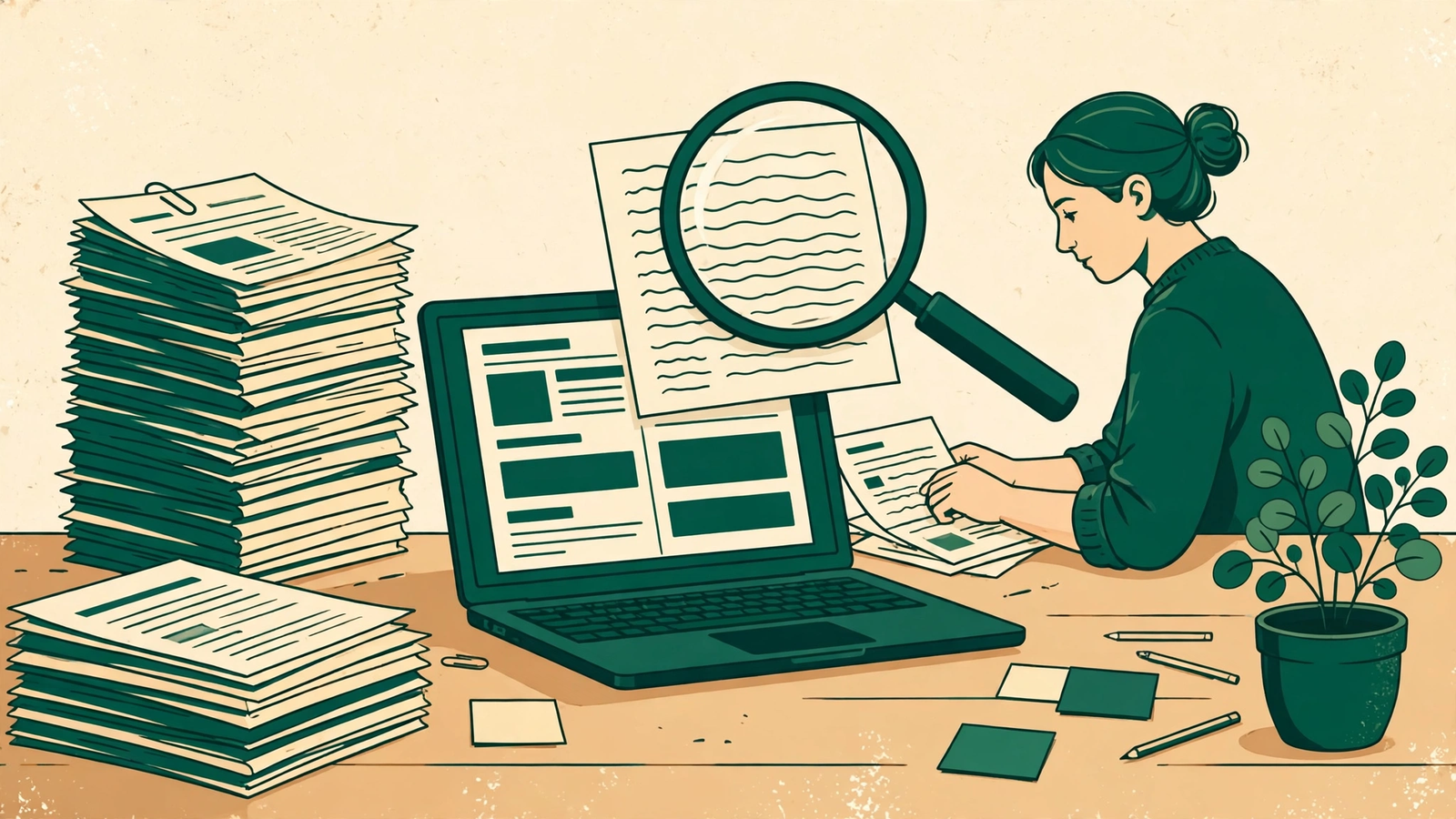
Your archive is the most underused asset on your site. Every old post you wrote and forgot about was once a good idea that earned its place — and most of them are one honest update away from working again. I learned this the slow way: I kept chasing new topics while perfectly good posts sat in my archive gathering dust, out of date in small ways that made them look abandoned.
Repurposing an old post isn’t recycling. It’s rescue work. You take something that already proved it was worth writing, bring its facts and examples up to date, and give it a second life in a shape today’s readers will actually find. AI makes the mechanics of that fast. Your judgment is still what makes it worth reading.
1. Start with an audit, not a rewrite
Don’t repurpose at random. Open your archive and sort it into three piles, and be ruthless about it.
Pile one: posts that still get occasional traffic or comments but mention tools, prices, or advice that has clearly moved on. These are your best candidates — readers are already finding them, and they’re finding them slightly wrong. Pile two: posts that were good but never found an audience, usually because the title was vague or the timing was off. These need a new angle, not just a polish. Pile three: posts that are wrong at their core, or about something you no longer stand behind. Leave those alone, or take them down. No amount of AI polish turns a bad premise into a good post.
I do this audit with a simple spreadsheet: post title, last updated date, what still holds up, what has changed, and one honest line about whether the post deserves a second life. It takes an afternoon for a small site, and it stops you from “refreshing” posts that should have been left in peace. The audit is the work. Everything after it is easier.
2. Update what dates fastest, and leave what still works
Most old posts aren’t entirely out of date — they’re out of date in about five places. Screenshots from an old interface. A tool that has changed its name or its pricing. A statistic from three years ago. An example that references a trend nobody remembers. A link to a page that no longer exists.
That’s your update list, and it’s where AI earns its keep. Paste the old post in and ask it to flag anything that looks time-sensitive: dates, version numbers, prices, named tools, and claims that depend on a moment in time. It will catch things your eyes glide over, because you’ve read the post too many times to see it fresh. Then — and this matters — verify every flag yourself. AI is good at spotting what might be dated. It’s not reliable at telling you what replaced it. Check the tool’s current site. Check the current price. Replace the dead link with a live one, or cut the sentence entirely.
What you should not do is rewrite the whole post because a few details changed. The voice, the structure, and the examples that still work are the reason the post was worth saving. Keep them. A repurposed post should still sound like the person who wrote it the first time, just better informed.
3. Give the old post one new shape, not five
Here’s where repurposing goes wrong: people turn one old post into a thread, a newsletter, a video script, a carousel, and a checklist, all in one afternoon, and every version is thinner than the original. Pick one new shape that fits the post.
If the old post is a long guide, the new shape might be a short, updated follow-up: what changed since I wrote this, and what I’d do differently now. If it’s a list of tips, the new shape might be a worked example — one tip, applied properly, start to finish. If it’s a post that never ranked, the new shape might be the same advice with a sharper title and a clearer first paragraph, aimed at the question people actually type into search.
AI can draft that new shape from the old post in minutes. Feed it the original, tell it the new format and the one thing that has changed, and let it produce a rough version. Then edit it the way you’d edit any draft: cut the generic lines, add one specific detail only you would know, and read it aloud before you publish. One strong second life beats five weak copies, and your readers can tell the difference.
4. Let AI draft the update, but keep the facts on your desk
The practical workflow I use now looks like this. First, I paste the old post and my audit notes into the tool and ask for a revised draft that keeps the structure and voice, updates only the flagged items, and marks every change it made. That last instruction matters — I want a visible list of changes, not a silently rewritten post. Then I go through that list one item at a time, checking each updated fact against a real source, and I delete anything I can’t verify.
Second, I ask it to suggest a new title and opening paragraph, because old titles are often the weakest part of an old post. I almost never take its suggestion whole, but it usually shows me what’s vague about mine. A title that said “Some Thoughts on Editing” becomes “The Editing Checklist I Actually Run on Every Draft” — same post, much clearer promise.
Third, I add the one thing AI can’t add: what’s happened since. A reader comment that changed my mind. A tool I stopped recommending and why. A result from trying my own advice for a year. That paragraph is the difference between a refreshed post and a re-skinned one, and it’s the reason the repurposed version is worth publishing at all.
5. Publish it like it’s new, without pretending it is
When the updated post is ready, treat its launch seriously. Give it a proper excerpt, check that its internal links point to your current posts rather than your oldest ones, and link to it from one or two related newer posts so readers can find it. If your site has a guides list or a sitemap page, make sure the updated post is on it — there’s no point rescuing a post and then leaving it out of the listings where readers browse.
What I don’t do is change the URL or pretend the post was written yesterday. The original date is part of its history, and readers trust a post more when it says, honestly, “first published in 2024, updated in 2026” than when it hides its age. An updated date note at the top, one line, does the job. It tells a new reader this post is maintained, which is exactly the signal an old archive post needs to send.
The honest truth
Repurposing isn’t a shortcut to more content. Done badly, it’s how a site fills up with slightly different versions of the same post, and readers notice that faster than any algorithm does. Done well, it’s the most respectful thing you can do with your own archive: you admit that a good idea deserves better than to go stale, you fix what’s actually broken, and you give it one clear new reason to exist. Your archive already did the hard part — it proved the idea was worth writing. The update just has to prove it’s still worth reading.
Frequently Asked Questions
How often should I update old blog posts?
Whenever something material in them changes — a tool, a price, a recommendation, a fact — and otherwise about once a year for posts that still get traffic. Don’t update on a schedule for its own sake; update when a reader would otherwise be misled.
Does updating an old post help it rank again?
It can, because search engines favour pages that are current and maintained, but an update alone isn’t magic. The posts that recover are the ones where the update genuinely improves the content: corrected facts, better examples, clearer answers. A cosmetic touch-up with a new date rarely moves anything.
Should I change the URL when I repurpose a post?
No. Keep the original URL so existing links and any ranking the post has built up stay intact. Update the content, the title if it needs it, and the date note — leave the address alone.
Is it okay to use AI to rewrite my own old posts?
Yes, with the same rule as any AI draft: it’s your post, your facts, and your name on it, so you verify every change. AI is excellent at spotting dated details and drafting an updated version. It is not a substitute for checking whether the new details are true.
Continue your workflow
Was this guide helpful?
Tell us what needs improving →
Your selection stays on this page. To send feedback to the publication, use our contact form.
Published 3 November 2026 · Text Craft Pro · AI-assisted educational writing. Editorial policy · Suggest a correction